Add Watermark to Image Online: Fast, Free & Secure
or drag and drop your images here
Protect your digital artwork, photos, and designs instantly without risking your privacy. This professional watermark tool runs entirely in your local browser, meaning your images never touch an external server. Completely free, with no sign-ups, no forced brand watermarks, and zero limits on your daily usage.
Why it's different
100% Local & Private Processing
Your images are processed directly in your browser. They are never uploaded to any server, keeping your sensitive intellectual property completely secure.
Advanced Text & Typography Styling
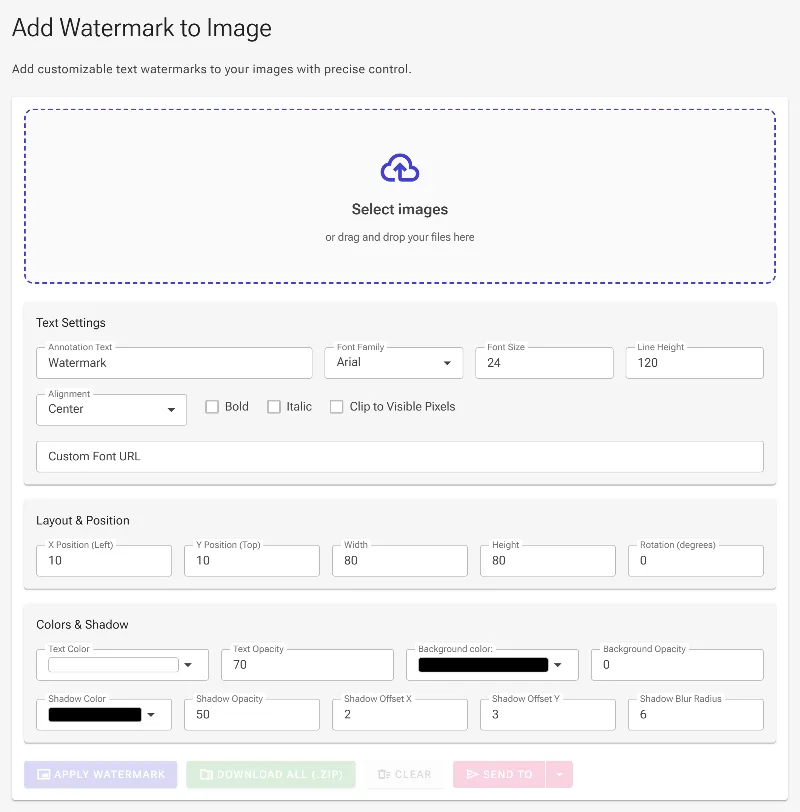
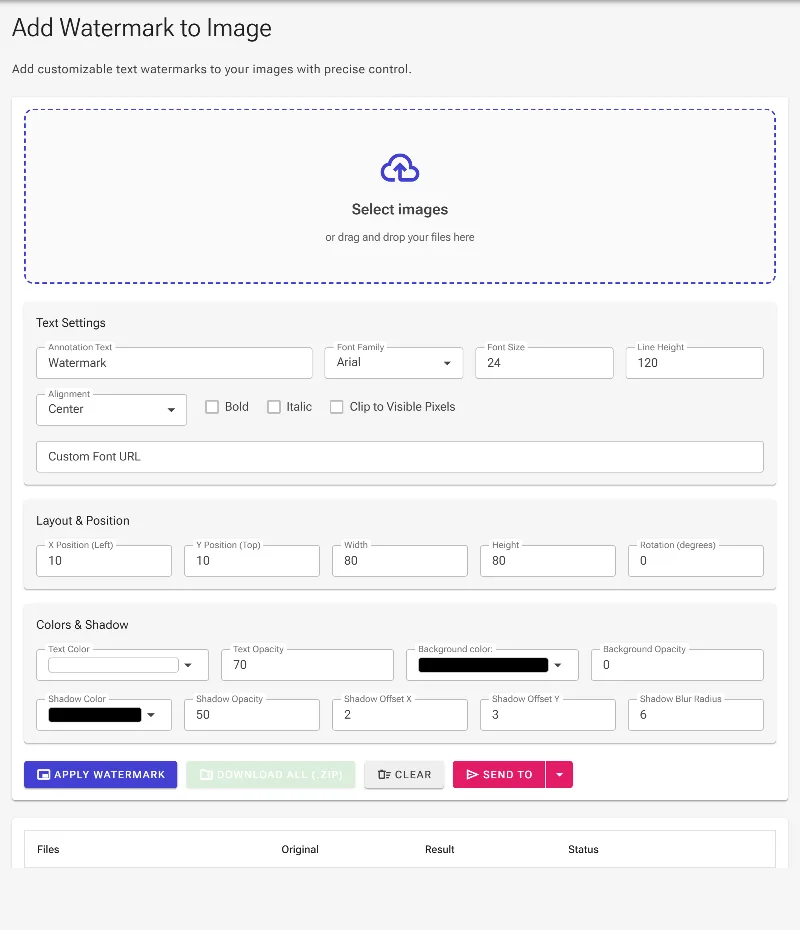
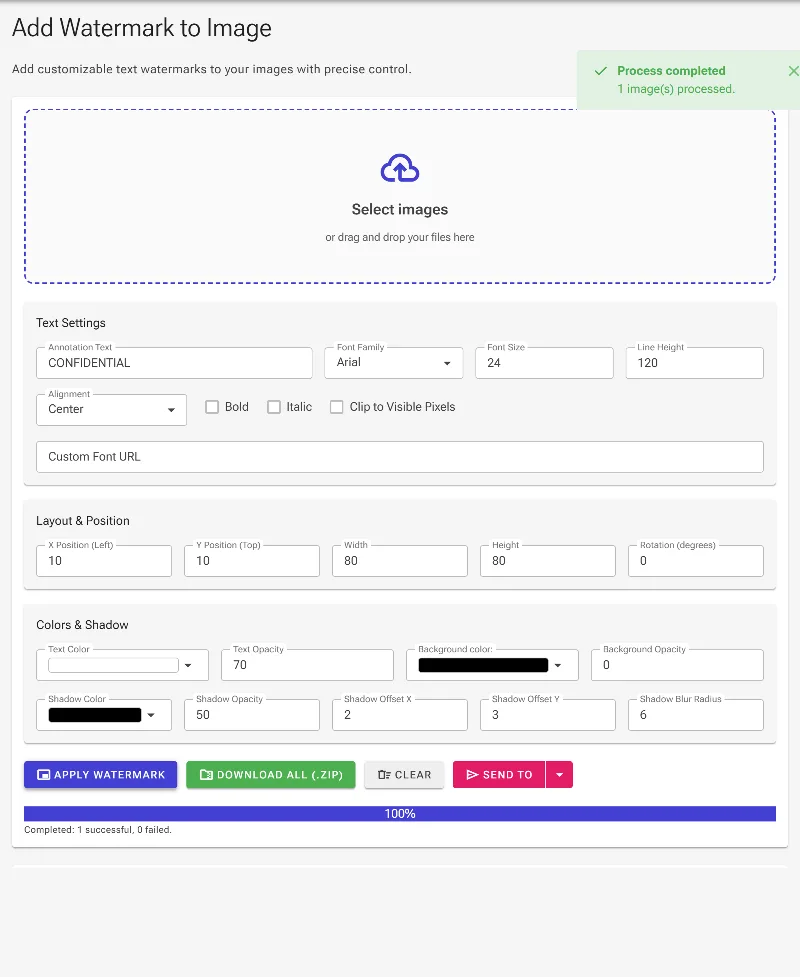
Choose from standard web fonts, import custom fonts via URL, toggle bold/italic formatting, and adjust font size, line height, and text alignment with absolute control.
Sophisticated Transparency & Shadows
Fine-tune text opacity, configure transparent, semi-transparent, or opaque background colors, and add custom drop shadows (like '2px 3px 6px black') for professional styling.
Interactive Positioning & Alpha Clipping
Drag, resize, and rotate your watermark manually, input exact pixel coordinates, or use our smart clipping option to render your watermark only over visible, non-transparent pixels.
How to Add a Watermark
Load Your Image
Click the upload area or drag and drop your photo directly into the browser workspace.
Design Your Watermark
Type your text, select a font (or load a custom one), and adjust the text styling, opacity, background box, and drop shadow.
Position and Rotate
Drag and resize the watermark dynamically on your image, rotate it to your desired angle, or enter precise coordinates.
Export in High Quality
Click "Download" to save your watermarked image instantly—rendered entirely offline on your device at original resolution.
Use it for anything
Photography Portfolio Protection
Add elegant, semi-transparent copyright text across your high-resolution photos before posting them to social media or client-facing galleries.
E-commerce & Product Images
Brand your product catalog photos with consistent, clean text watermarks to prevent competitors from scraping and using your assets.
Screenshots & Internal Documents
Overlay security labels, drafts, or confidential markers on screenshots and mockups while ensuring private data never leaves your computer.
Safeguard Your Digital Assets
Safeguard your digital assets in seconds with the web's most customizable, privacy-first watermarking tool. Drag your image in and start protecting your work now!
Frequently Asked Questions
Are my images uploaded to your servers when I add a watermark?
Absolutely not. Image Studio processes everything locally on your device using HTML5 technologies. Your photos never leave your web browser, ensuring maximum security, privacy, and speed.
Can I use my own custom fonts for the watermark?
Yes! Along with a library of predefined fonts like Arial, Impact, Courier New, and Roboto, you can easily import any custom font by pasting its web URL directly into our tool.
Can I make the watermark background or text semi-transparent?
Yes, you have complete control over opacity. You can adjust the transparency of the text, apply a custom semi-transparent background block, or configure a subtle drop shadow to make the text pop on complex backgrounds.
Does this tool support precise positioning and rotation?
Definitely. You can manually drag and resize the watermark container directly on the canvas, rotate it to any precise degree, or key in exact X/Y pixel coordinates for perfect alignment.