Add Rainbow Filter to Image Online
or drag and drop your images here
Transform your photos with a stunning, fully customizable rainbow overlay in seconds. Image Studio runs entirely in your local browser, meaning your images never leave your device—no sign-ups, no uploads, and absolutely no limits. Experience the ultimate privacy-first creative tool for adding vibrant color gradients to your favorite shots.
Why it's different
100% Private & Local Processing
Your photos are processed directly on your device. We never upload your images to a server, keeping your personal data completely secure.
Linear & Radial Gradients
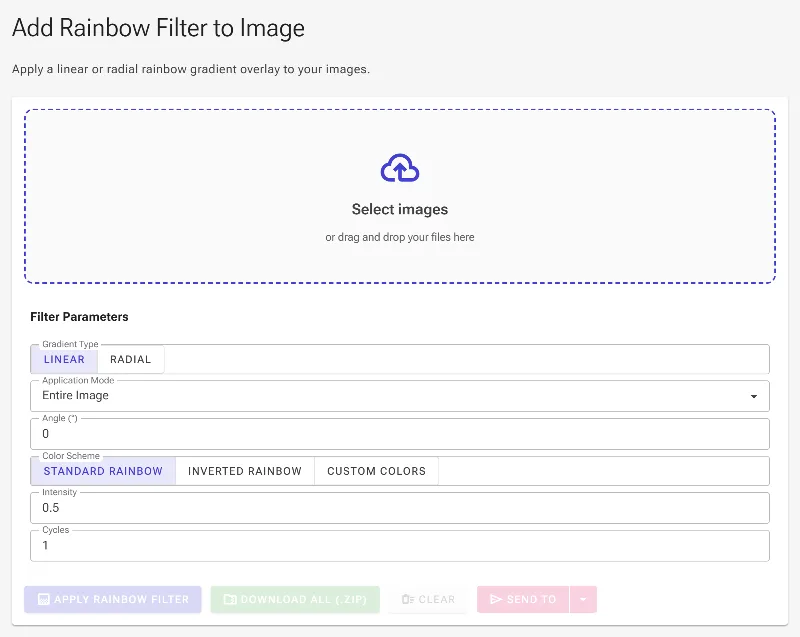
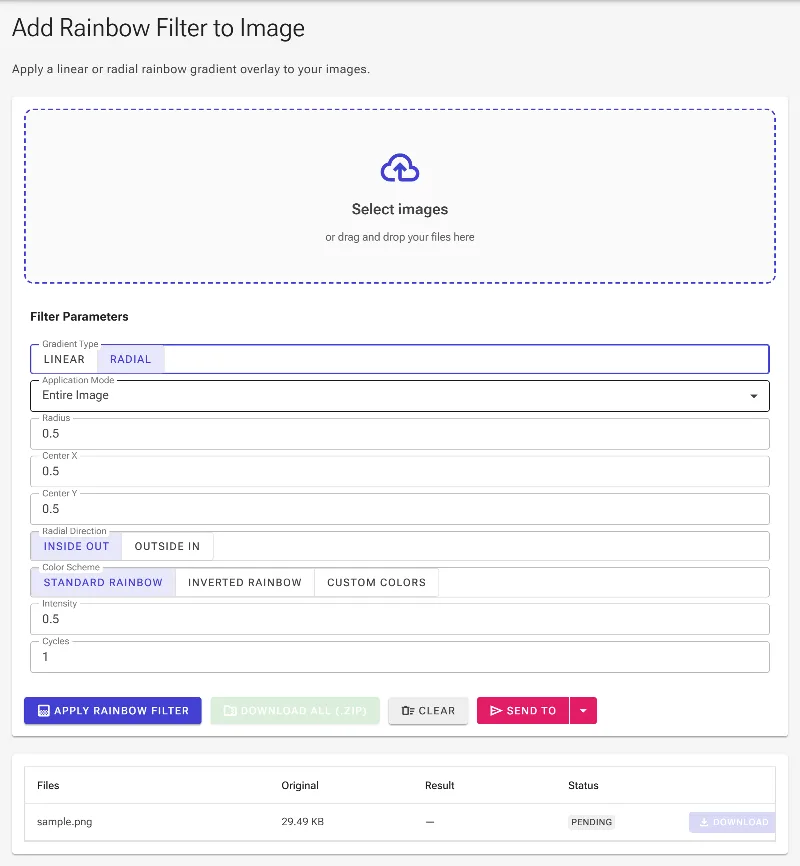
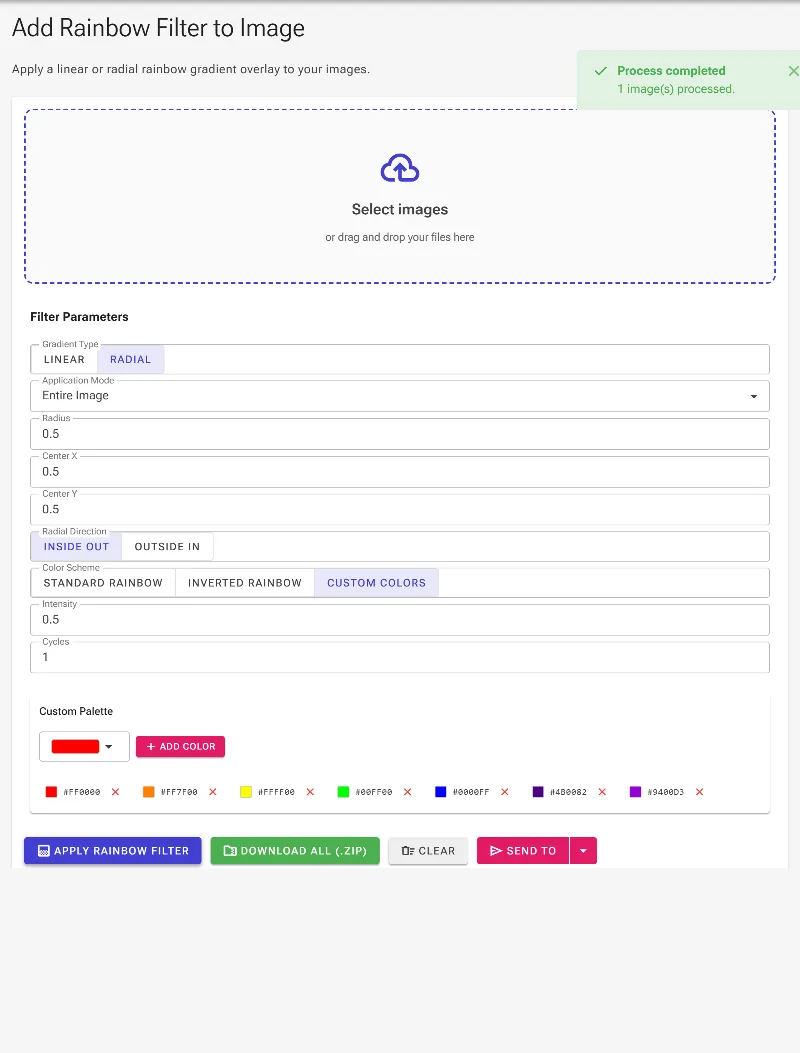
Rotate linear gradients 360 degrees or pinpoint the exact center, radius, and direction (inside-out or outside-in) of radial arches interactively with your mouse.
Smart Color Selection & Custom Palettes
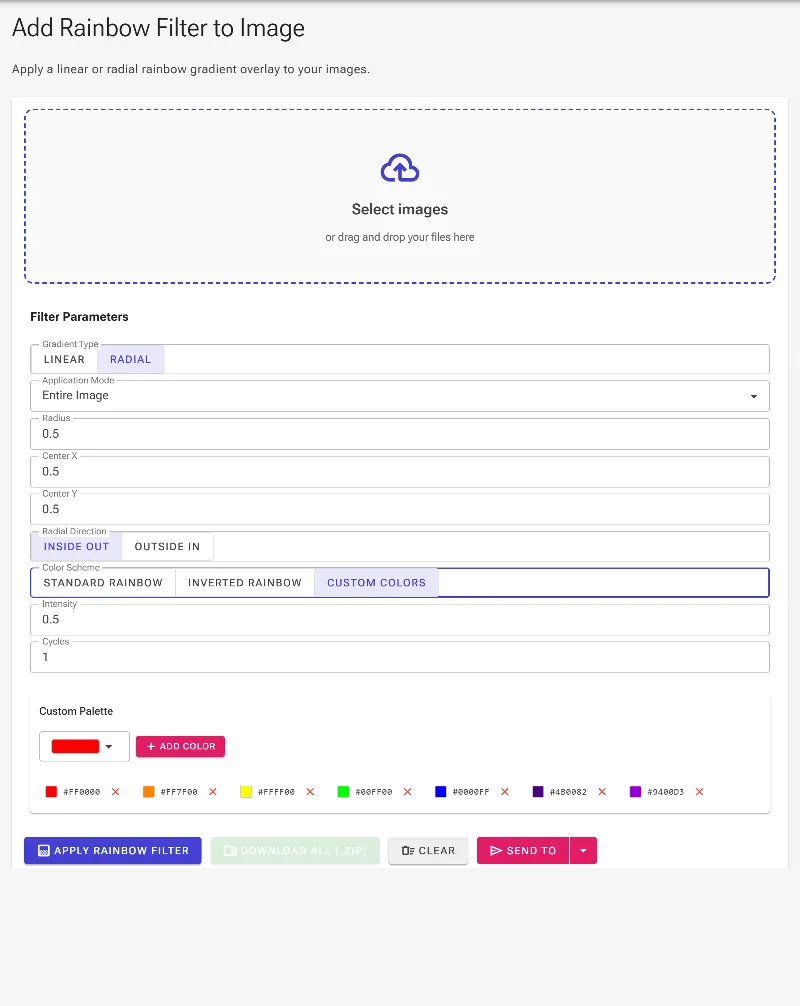
Choose standard ROYGBIV, inverted schemes, or create a completely custom palette with our integrated color picker.
Advanced Blending Modes
Choose to apply a luminous rainbow haze over the entire image or isolate the effect to colorful pixels while protecting natural whites, grays, and blacks.
How to add a rainbow filter to your photo
-
1
Load your image
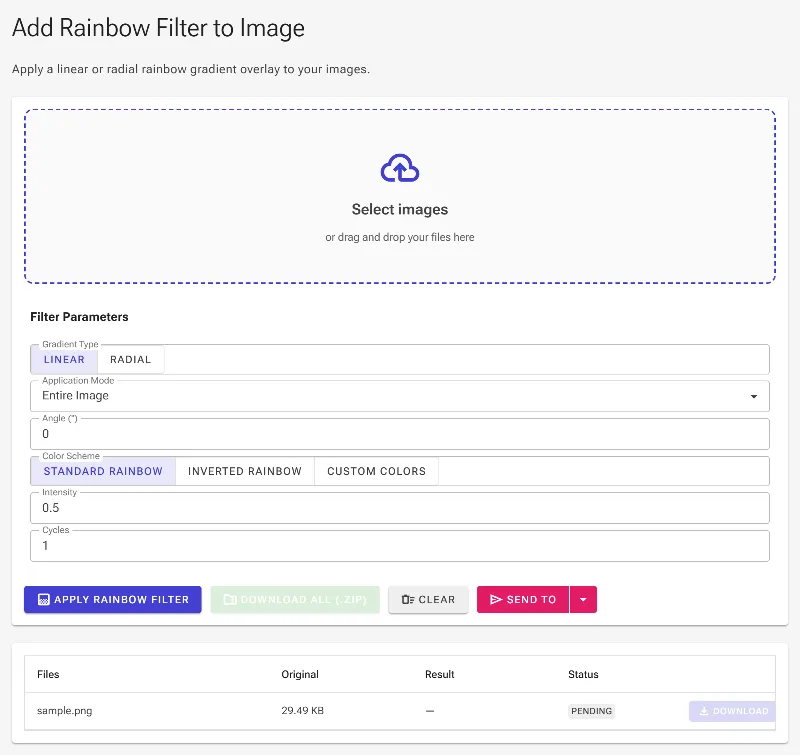
Drag and drop your photo into the editor workspace—it stays safely in your browser.
-
2
Choose your style
Select either a Linear or Radial gradient and adjust the angle, radius, center point, or direction.
-
3
Customize colors & cycles
Choose standard, inverted, or custom colors, then set your desired intensity and rainbow repetitions.
-
4
Download instantly
Fine-tune your settings and click save to download your high-resolution, watermark-free image.
Use it for anything
Dreamy Portrait Editing
Add a subtle, nostalgic rainbow light leak to outdoor portraits and selfies.
Pride & Celebration Graphics
Create vibrant, colorful designs to celebrate Pride or express joy on social media.
Artistic Landscapes
Enhance skies or dull backgrounds with a realistic or fantasy-style radial rainbow arch.
Instant Rainbow Overlays
Bring your photos to life with the ultimate, completely private rainbow filter tool. Try it now and add a splash of color to your images in seconds!
Frequently Asked Questions
Is my uploaded photo safe?
Absolutely. Image Studio is a privacy-first web application. All image rendering and rainbow filtering happen directly inside your web browser. Your photos are never uploaded to external servers, ensuring total privacy.
Can I customize the colors of the rainbow?
Yes! You can use our standard seven-color rainbow scheme (Red, Orange, Yellow, Green, Blue, Indigo, Violet), invert the color order, or build your own custom color palette from scratch using our integrated color picker.
What is the difference between the full overlay and colorful-pixel mode?
The full overlay applies a beautiful rainbow haze across your entire photo while preserving its natural luminosity. The colorful-pixel mode intelligently applies the rainbow effect only to colored pixels, keeping your whites, grays, and black areas clean and unaffected.
Can I adjust the angle, position, and repetitions of the rainbow?
Yes, you have complete creative control. You can manually input or interactively drag to adjust the angle of linear gradients, click to position the center of radial gradients, set the radial direction, and adjust the number of rainbow cycles (repetitions) to get the exact look you want.