Adjust Image Brightness Online: Free & Private Selective Editor
or drag and drop your images here
Instantly change the brightness of any image directly inside your web browser without uploading sensitive files to external servers. This free, professional-grade tool lets you adjust the exposure of entire photos or target specific areas with pixel-perfect accuracy. Enjoy unlimited, zero-install editing with complete privacy and zero rate limits.
Why It's Different
100% Local & Private Processing
Your images never leave your computer. Everything runs securely in your local browser, keeping your personal data completely private and safe from third-party servers.
Selective Brightness Adjustments
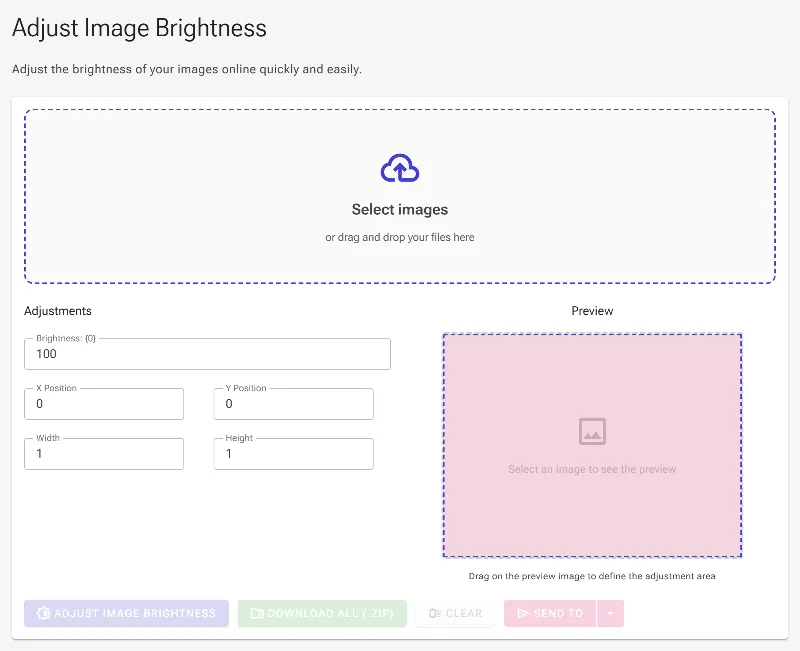
Unlike basic online editors, you can isolate specific regions. Drag and resize a precise rectangular area directly on the image preview to apply adjustments exactly where they are needed.
Interactive & Numerical Precision
Fine-tune your selection with fluid mouse controls on the live preview canvas, or input precise numerical values (X/Y coordinates, width, and height) for surgical accuracy.
No Sign-Ups, Fees, or Limits
Enjoy unlimited, high-resolution processing with no account creation, no subscription paywalls, and absolutely no watermarks on your finished images.
How to Adjust Image Brightness
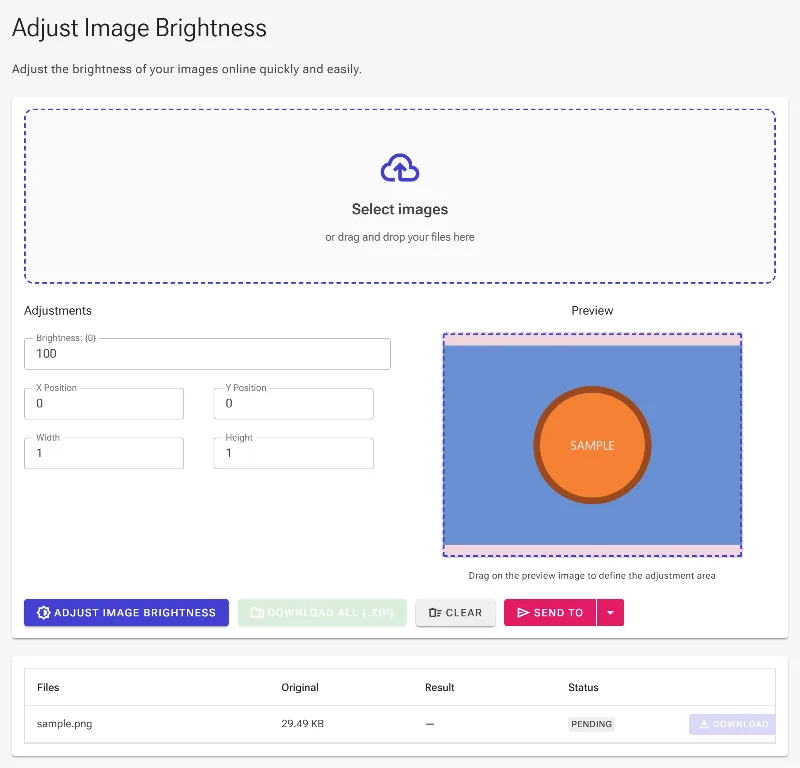
- Upload Your Photo: Drag and drop your image into the workspace, or click to browse your device—it loads instantly without any server lag.
- Set the Brightness Level: Adjust the slider or type in a custom percentage from 0% (fully dark) up to 200% (maximum exposure), with 100% being your original baseline.
- Isolate Areas (Optional): Click and drag directly on the preview image to target a specific rectangular section, or configure the dimensions manually using the coordinate fields.
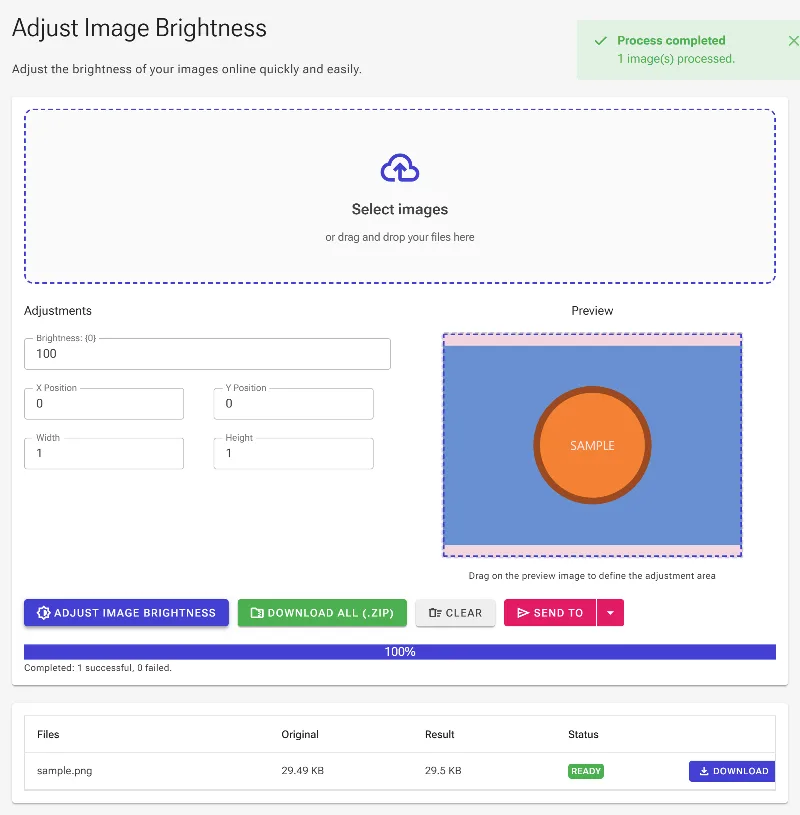
- Save Your Edits: Click the download button to save your perfectly balanced, high-quality image directly to your local storage.
Use It for Anything
Fixing Underexposed Photographs
Easily rescue dark portraits, backlit family photos, or shadowed landscapes by boosting their exposure while retaining clarity.
Highlighting Product Elements
Draw focus to specific features in e-commerce product photos by selectively brightening key details while keeping the background subtle.
Standardizing Marketing Graphics
Quickly balance the brightness and contrast across multiple catalog images to ensure a consistent, professional aesthetic.
Start Editing Safely
Stop worrying about private data leaks or restrictive daily limits when editing your personal photos. Drag your image into our editor now to experience fast, secure, and professional brightness adjustments for free.
Frequently Asked Questions
How does the selective brightness tool work?
Our advanced editor lets you apply exposure changes to targeted areas of your image. You can draw a selection box directly on the interactive image preview with your mouse, or type in precise X/Y coordinates and width/height dimensions to target a specific region.
Are my photos secure when using Image Studio?
Yes, entirely. Because Image Studio runs entirely in your local browser using client-side technology, your files are never transmitted to any external servers. Your photos remain on your local machine throughout the entire editing process.
Can I use this tool to darken an image as well as brighten it?
Absolutely. The brightness percentage scale ranges from 0% to 200%. Dropping the slider below the default 100% value will darken your photo, while raising it above 100% will brighten it.
Is there a limit on image file sizes or daily usage?
No. Since all processing uses your own device's hardware, there are no file size restrictions, no daily processing limits, and no registration requirements. Edit as many high-resolution photos as you need, completely free of charge.