Adjust Image Hue Online with Professional HSL Precision
or drag and drop your images here
Transform the colors of your photos instantly with Image Studio's advanced, browser-based Hue Adjuster. Experience professional-grade selective HSL editing with absolute privacy—your images are processed entirely on your local device, meaning no uploads, no sign-ups, and zero limits. Whether you want to apply a creative global color grade or surgically target a single specific color, our tool delivers flawless, high-fidelity results in seconds.
Why it's different
100% Local & Private Processing
Your photos never leave your computer. Everything runs directly in your web browser, ensuring complete data security and lightning-fast rendering without server delays.
Surgical Selective Editing
Don't just shift every color at once. Isolate specific color ranges (like reds, blues, or greens) using our advanced HSL engine to alter only the precise tones you want.
Precision Eyedropper & Preview Mask
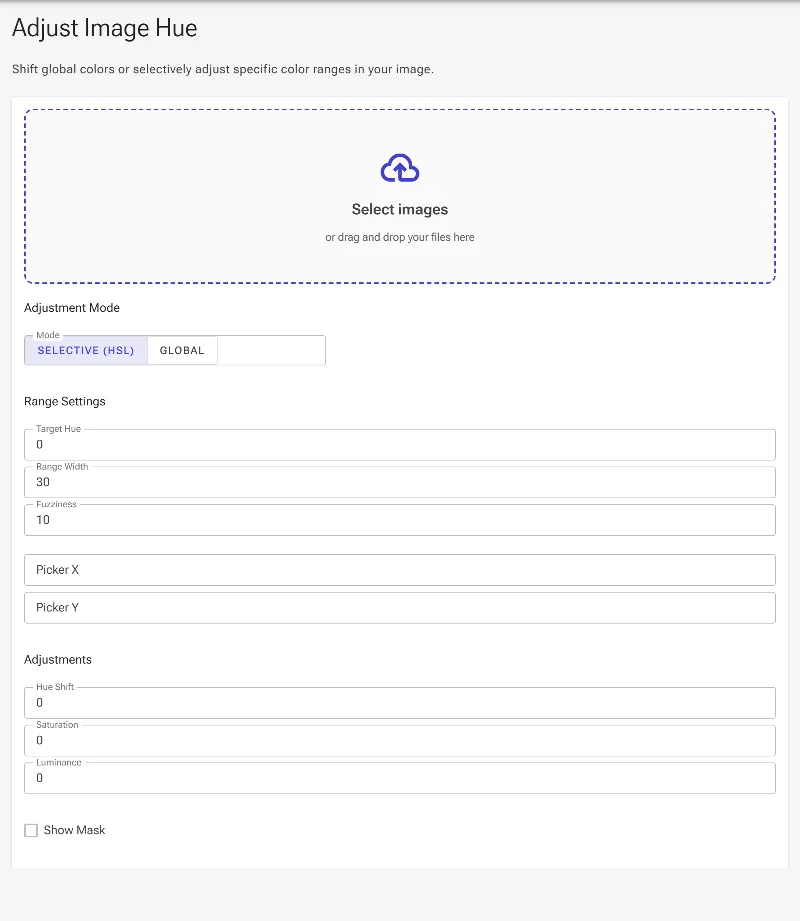
Use the color picker to sample any tone directly from your image, and toggle the visualization mask to see exactly which pixels are being edited in real-time.
Seamless Fuzziness Control
Avoid harsh edges and digital artifacts (posterization) with adjustable falloff sliders that create smooth, natural color gradients between modified and original areas.
How to adjust image hue
-
Upload Your Image
Drag and drop your photo into the editor; it loads instantly and securely in your browser.
-
Choose Global or Selective Mode
Shift the entire color wheel for an artistic look, or select a specific color channel (like Orange or Cyan) to isolate.
-
Refine with the Eyedropper & Mask
Click directly on your image to target a specific shade, and turn on the visualization mask to view the affected area in black and white.
-
Adjust Hue, Saturation & Luminance
Fine-tune your hue range, adjust the fuzziness for smooth transitions, and balance the saturation and brightness for a perfectly natural finish before saving.
Use it for anything
E-Commerce Product Recoloring
Instantly change the color of clothing, cars, packaging, or products in your photos to showcase different variations without re-shooting.
Creative Color Grading
Give your landscape and portrait photography a unique cinematic mood by shifting overall color temperatures and tones.
Targeted Corrections
Isolate and refine specific ranges, such as warming up pale skin tones or deepening the blue of a washed-out sky, without affecting the rest of the image.
Elevate Your Visuals Instantly
Take complete creative control over your photo's color palette with professional-grade tools that run entirely in your browser. Start adjusting your image hue with absolute privacy and zero restrictions today!
Frequently Asked Questions
Is my image data safe when using this Hue Adjuster?
Yes, entirely. Unlike other online image editors that upload your files to remote servers, Image Studio processes your images locally in your browser. Your data never leaves your device, guaranteeing absolute privacy and security.
What is the difference between global and selective hue adjustments?
Global adjustments shift every single color in your photo simultaneously along the color wheel, which is ideal for overall creative color grading. Selective adjustments let you isolate a specific color channel (such as "Reds" or "Yellows") so that only those specific tones are modified, leaving the rest of the image untouched.
How do I prevent harsh, pixelated edges when changing a color?
Our tool features an adjustable "Fuzziness" (or falloff) control. This slider softens the boundaries of your selected color range, creating a smooth gradient transition between the newly adjusted color and the original image, preventing posterization.
Can I adjust saturation and luminance along with the hue?
Absolutely. Shifting the hue alone can sometimes look unnatural. Our tool provides integrated Saturation and Luminance (brightness) sliders for your selected color range, allowing you to fine-tune the intensity and depth of the new color for realistic results.