Adjust Image Saturation and Vibrance Online
or drag and drop your images here
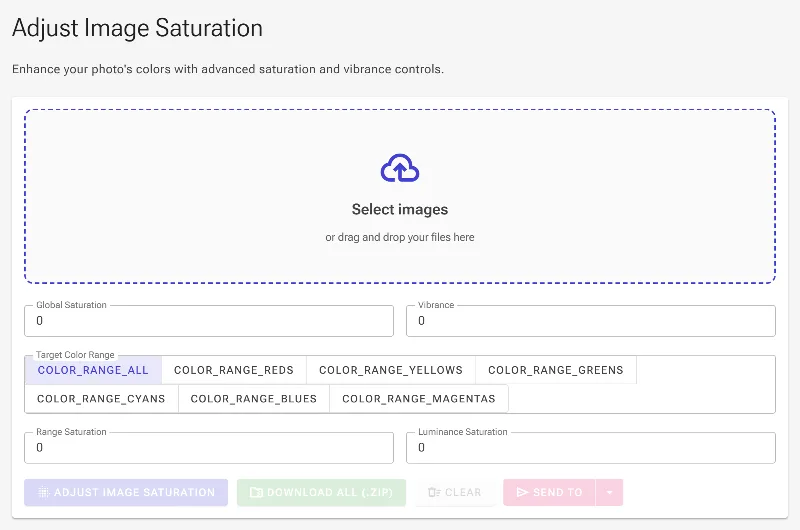
Bring your photos to life with our advanced, free online image saturation tool. Adjust global intensity, boost subtle colors with smart vibrance, or target specific hues—all processed directly in your browser. Because your files never leave your device, you get instant, professional-grade color editing with total privacy.
Why it's different
100% Private, Local Processing
Your photos are never uploaded to a server. Everything runs securely in your web browser, keeping your personal data completely private.
Smart Vibrance Engine
Unlike basic saturation tools that ruin skin tones, our intelligent vibrance slider targets only muted colors, preserving natural portraits.
Selective Color Control (HSL)
Boost the blue in your skies or the green in your landscapes without affecting the rest of your image.
Luminance-Based Saturation
Adjust saturation selectively in highlights, midtones, or shadows to prevent unnatural color bleeding in bright or dark areas.
How to adjust image saturation
-
Upload your image:
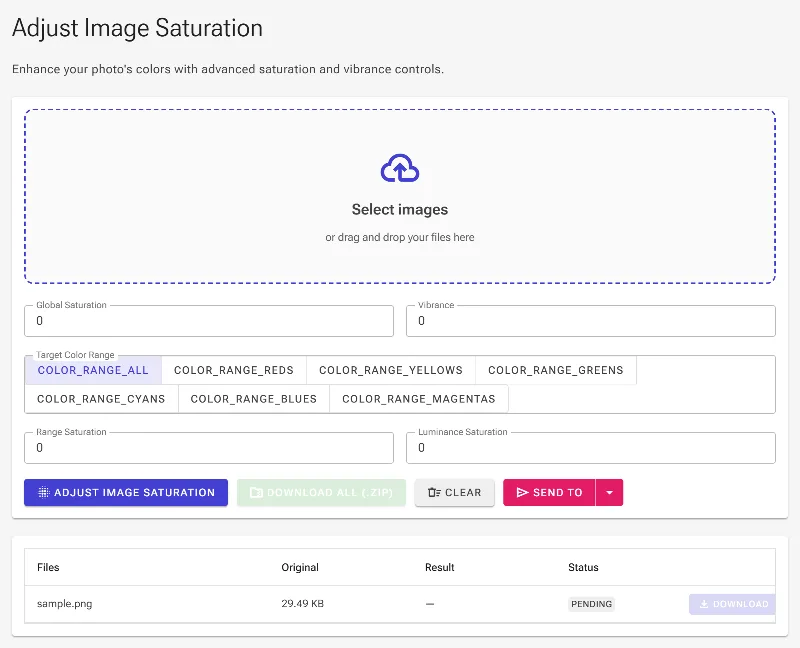
Drag and drop your photo or click to select a file from your device—no account required.
-
Choose your adjustment style:
Use 'Global Saturation' for overall intensity, or switch to 'Vibrance' to protect skin tones.
-
Fine-tune with HSL and Luma controls:
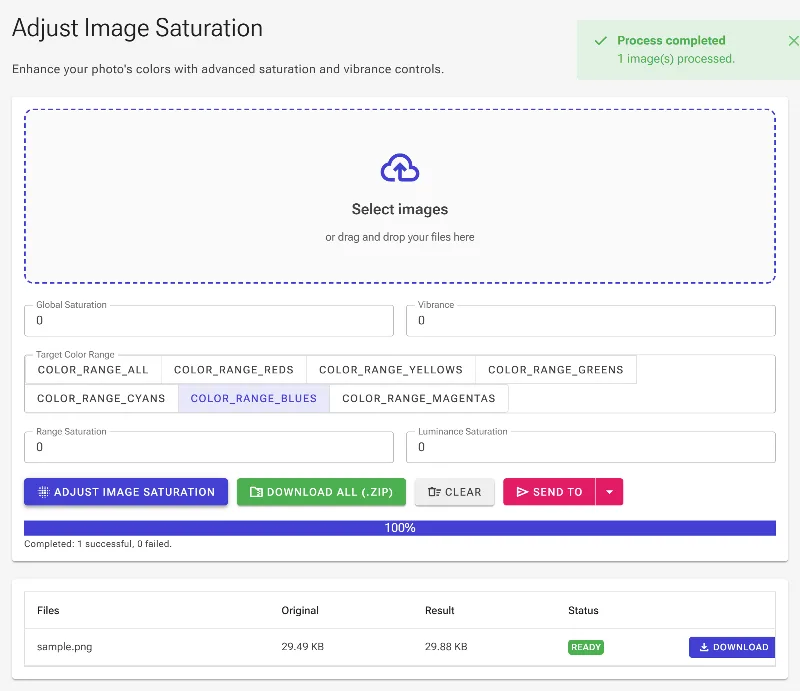
Target specific color ranges (like blues or reds) or isolate saturation adjustments to shadows and highlights.
-
Download your edited photo:
Click save to export your high-resolution image instantly, rendered locally with zero quality loss.
Use it for anything
Stunning Landscape Photography
Make skies bluer and foliage greener using targeted HSL controls without oversaturating the entire shot.
Natural Portrait Editing
Enhance the background colors of your portraits using Vibrance to keep skin tones looking warm, realistic, and clipping-free.
Product and E-commerce Photos
Make your product images pop with precise color saturation, ensuring accurate representation without blown-out details.
Start Editing Securely
Take complete control of your photo's color dynamics with a professional toolset that respects your privacy. Start adjusting your images instantly with zero limits, zero fees, and absolute security.
Frequently Asked Questions
What is the difference between saturation and vibrance?
Saturation increases the intensity of every single color in an image equally, which can sometimes distort skin tones or cause color clipping. Vibrance is smarter; it selectively boosts less-saturated colors while protecting skin tones and already saturated areas from looking artificial.
Is my photo safe from being uploaded to your servers?
Absolutely. Image Studio runs entirely in your local browser. Your photos are never uploaded, stored, or sent to any server, making this the most secure way to edit sensitive images online.
How does luminance-based saturation work?
Luminance-based saturation allows you to adjust color intensity based on brightness levels. This prevents bright highlights (like white clouds) from turning into unnatural neon colors, while allowing you to boost rich colors in the midtones and shadows.
Are there any file size limits or subscription fees?
No. Our image saturation tool is completely free with no hidden fees, no watermarks, and no registration required. Since processing occurs on your local device, there are no file size limits or daily usage caps.