Free Online Image Blur Tool: 100% Private & Instant
or drag and drop your images here
Blur sensitive data, create beautiful depth-of-field effects, or add dynamic motion blurs instantly right in your browser. Image Studio runs entirely on your local device, meaning your images are never uploaded to a external server, keeping your personal data 100% secure. Enjoy a professional-grade blurring tool with no sign-ups, no fees, and zero limitations.
Why it's different
Absolute Privacy & Security
Because all processing happens locally inside your browser, your private photos, documents, and credentials never touch our servers.
Professional Blur Algorithms
Choose from Gaussian blur for smooth transitions, Box blur for ultra-fast rendering, or Radial and Motion blurs for artistic speed effects.
Targeted Shape Censoring
Quickly apply circular, elliptical, or rectangular blur masks to easily hide faces, license plates, logos, or confidential text.
Instant Portrait Bokeh Effects
Use the invert selection feature to blur the background of any photo while keeping your primary subject in sharp, clear focus.
How to blur an image
-
1. Load Image
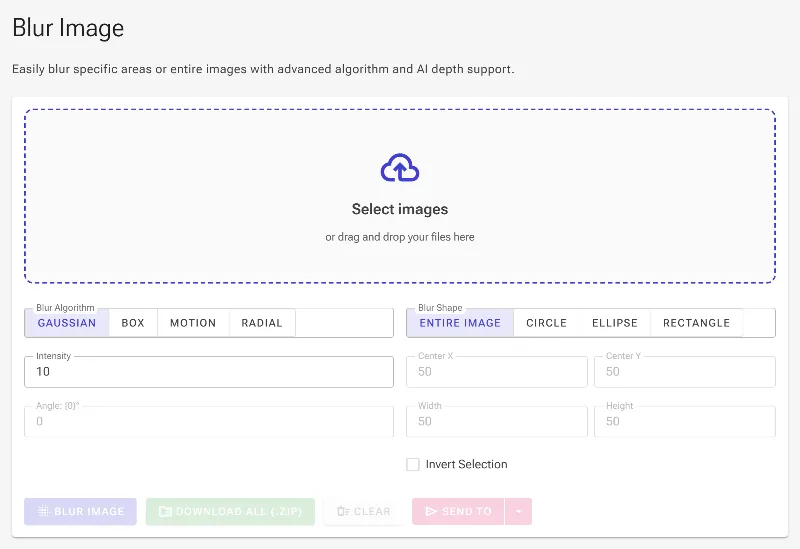
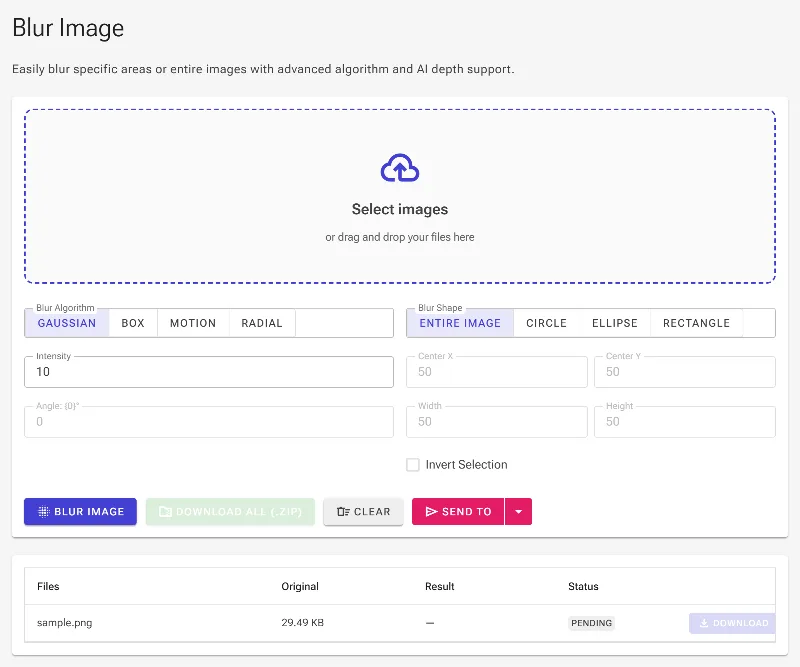
Load your image locally by dragging and dropping it into the editor or clicking the upload area.
-
2. Select Blur
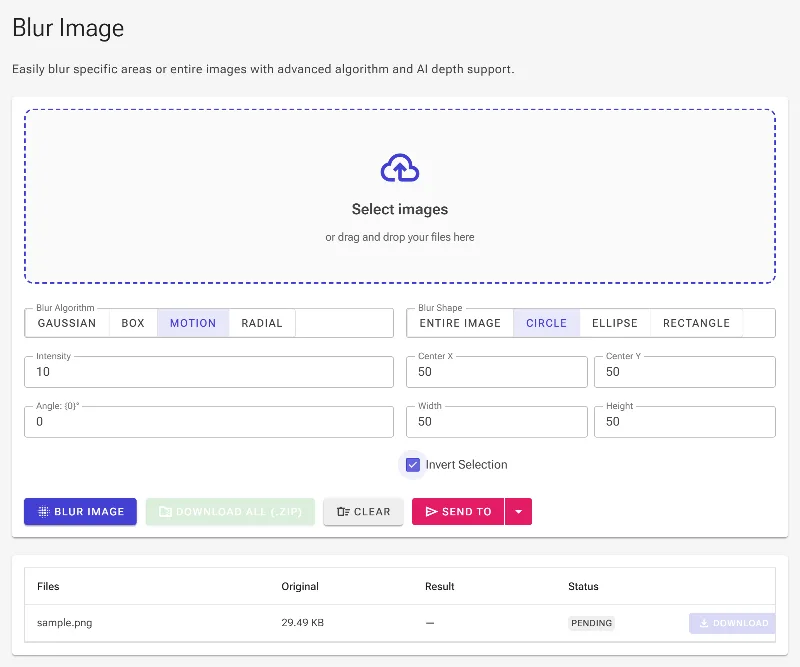
Choose your blur type (Gaussian, Box, Radial, or Motion) and adjust the intensity slider to get the exact strength you need.
-
3. Apply Mask
Apply geometric masks to target specific areas like text and faces, or use the invert tool to apply a background-wide blur.
-
4. Download
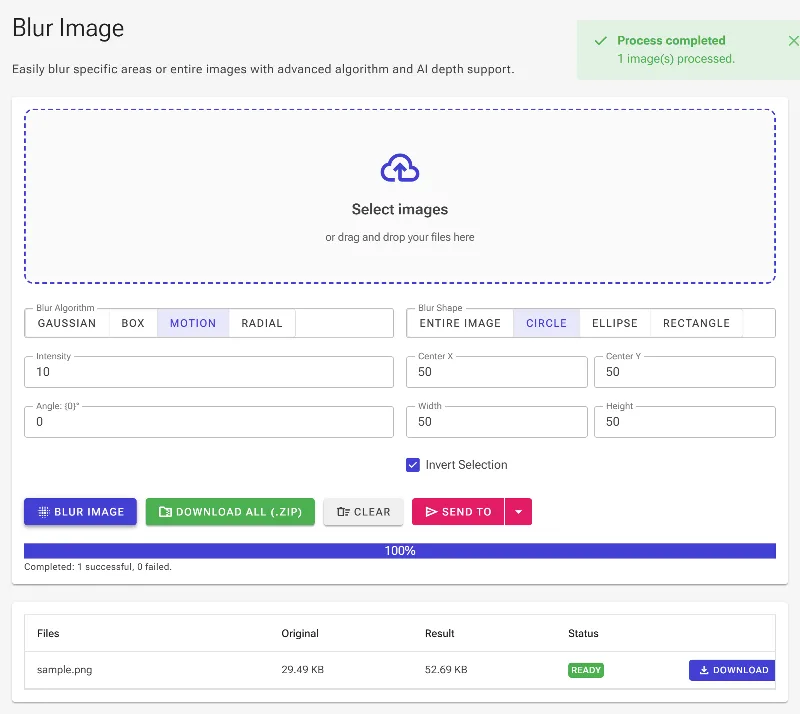
Download your blurred image instantly in high resolution with no watermarks and no processing delays.
Use it for anything
Censoring Sensitive Information
Protect your identity by blurring out passwords, credit card numbers, home addresses, or faces before sharing screenshots online.
Simulating DSLR Portrait Mode
Recreate expensive camera depth-of-field by blurring distracting backgrounds to make your subject pop.
Adding Dynamic Action Effects
Apply directional motion or radial blurs to vehicles, athletes, or graphics to convey a striking sense of speed and energy.
Frequently Asked Questions
Is my image data safe when using this tool?
Yes, entirely. Image Studio operates 100% client-side. Your photos are processed directly inside your computer's browser, meaning they are never uploaded to our servers, stored, or viewed by anyone else.
What types of blur can I apply to my photos?
You can choose from Gaussian blur (ideal for smooth transitions), Box blur (optimized for rapid processing), and Motion or Radial blurs (perfect for artistic speed and zoom effects).
How do I blur only the background of an image?
You can use our geometric selection tools to frame your main subject, adjust your blur settings, and then toggle the "Invert Selection" option. This keeps your subject crisp while beautifully blurring the background.
Are there any file size limits or usage caps?
No. Because the tool runs locally on your own hardware rather than our servers, we do not impose any file size limits, daily usage caps, or hidden premium paywalls.