Crop Images Safely & Precisely Online
or drag and drop your images here
Crop your images instantly with pixel-perfect precision directly inside your web browser. Image Studio runs entirely locally on your device, meaning your sensitive photos never touch an external server. Enjoy a completely free, lightning-fast, and secure tool with zero sign-ups, no rate limits, and instant results.
Why It's Different
100% Private & Local Processing
Your files never leave your computer. Everything runs locally in your browser, ensuring complete data privacy and security.
Pixel-Perfect Coordinate Control
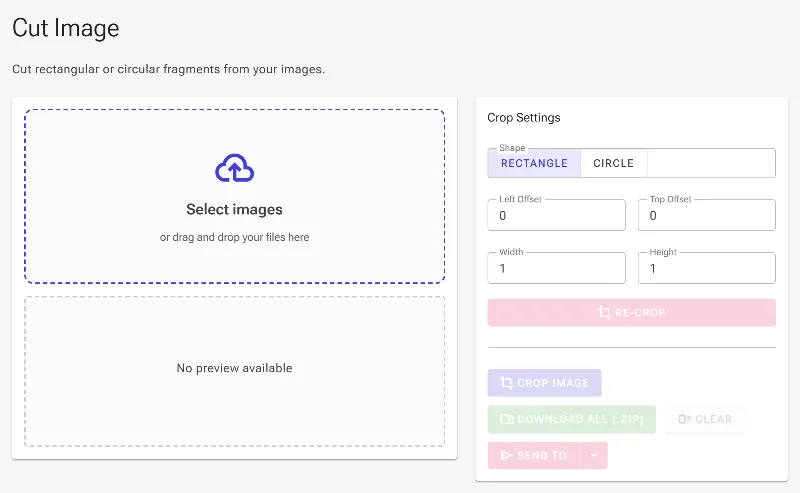
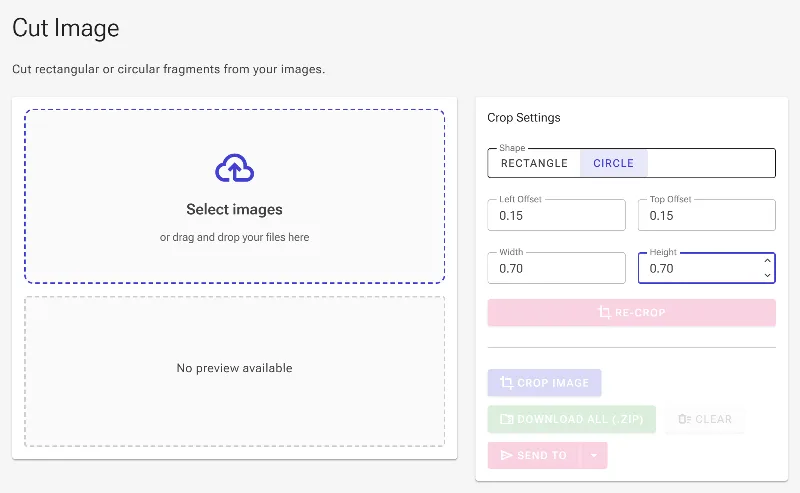
Adjust your crop area interactively with responsive handles, or type in exact coordinates (X/Y offsets, width, and height) for absolute precision.
Circle & Rectangle Cutouts
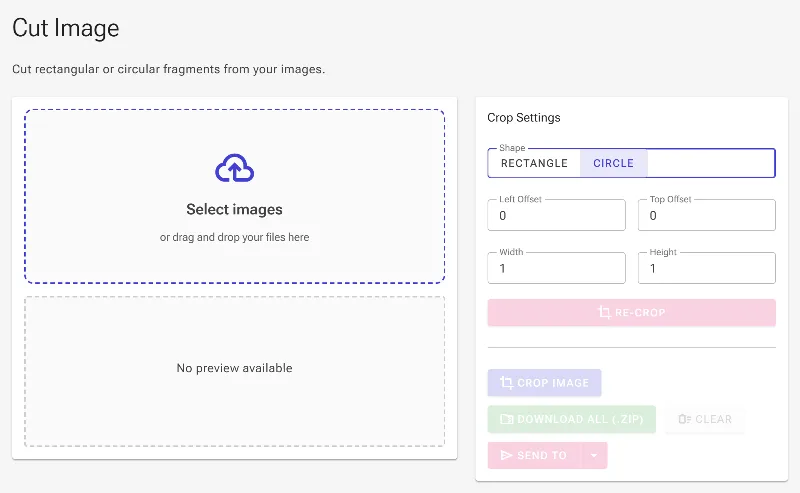
Seamlessly toggle between classic rectangular crops and circular shapes—ideal for designing perfect social media profile pictures.
Instant Re-Cropping Workflow
No need to download and re-upload. Use our innovative "re-crop" feature to instantly feed your cropped output back as the new input for further edits.
How to Crop an Image
-
Load your image
Drag and drop your image file or select it from your device to start processing instantly.
-
Choose your shape
Select either a rectangular or circular crop depending on your design requirements.
-
Fine-tune the crop area
Drag the interactive corner resizers on the live preview, or manually input exact coordinates and dimensions.
-
Download or re-crop
Save your cropped image immediately, or click the "Re-crop" button to use your new output as the starting image for further adjustments.
Use It for Anything
Flawless Profile Pictures
Cut perfectly round circular avatars for LinkedIn, Discord, Slack, Instagram, or Google Workspace profiles.
Precise Graphic Design Assets
Crop website screenshots, UI mockups, and layout assets to exact pixel dimensions using absolute coordinates.
Fast, Multi-Step Workflows
Rapidly isolate multiple segments of a single graphic using the re-crop feature without ever restarting the tool.
Get Started Now
Experience the fastest, safest way to crop your images with zero compromises. Try Image Studio now to get pixel-perfect results instantly in your browser.
Frequently Asked Questions
Is my image safe? Does it get uploaded to a server?
Absolutely. Unlike other online tools, Image Studio processes your images entirely inside your browser window. No files are uploaded to our servers, keeping your private data 100% secure.
Can I crop an image into a circle?
Yes! You can easily switch between standard rectangular cropping and circular cropping with a single click, making it incredibly easy to generate clean avatars, icons, and buttons.
How do I crop an image to exact pixel dimensions?
We provide full manual coordinate control. You can type in the precise Left (X) and Top (Y) start coordinates, along with your desired Width and Height, to crop with absolute, pixel-perfect accuracy.
What is the "Re-crop" feature?
Our unique Re-crop feature allows you to instantly send your cropped output back to the editing canvas as the new input. This eliminates the tedious process of downloading, saving, and re-uploading when you need to make consecutive edits.