Downscale Images Instantly & Privately in Your Browser
or drag and drop your images here
Need to shrink your images without risking your data privacy? Image Studio lets you downscale any image to the exact percentage you need, completely free and directly in your browser. Because everything runs locally on your device, your photos never upload to a server—giving you unmatched speed, absolute security, and unlimited usage.
Why it's different
100% Serverless & Private
Your files never leave your computer. All rendering happens locally in your browser, ensuring your private data stays private.
Precise Percentage Scaling
Effortlessly reduce image dimensions by typing or sliding to your exact desired scale percentage.
Pixel Smoothing Control
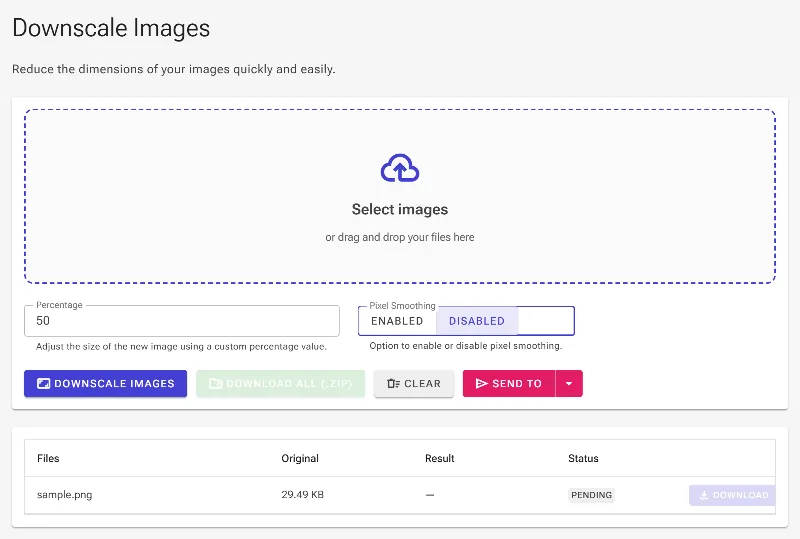
Toggle pixel smoothing on for buttery-smooth gradients, or disable it to preserve crisp, sharp edges on pixel art and low-res graphics.
Zero Cost, No Restraints
Enjoy unlimited high-speed processing with no signup, no subscriptions, and no watermarks.
How to downscale an image
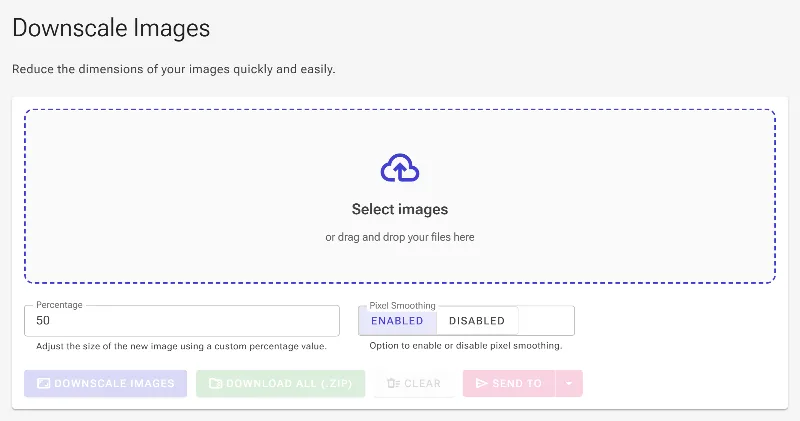
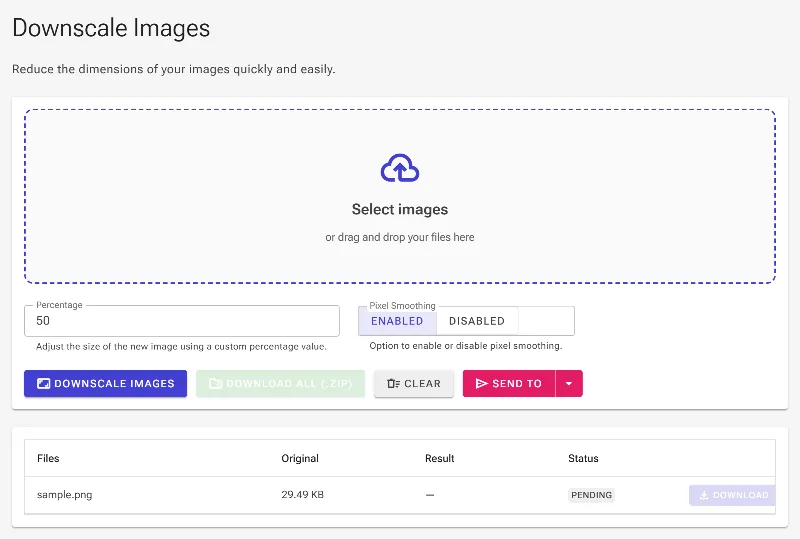
- Drag and drop or upload your image directly into the secure browser interface.
- Adjust the percentage slider or enter a custom value to set your target downscaled size.
- Toggle "Pixel Smoothing" on for smooth photo scaling, or off to keep crisp edges for retro pixel art.
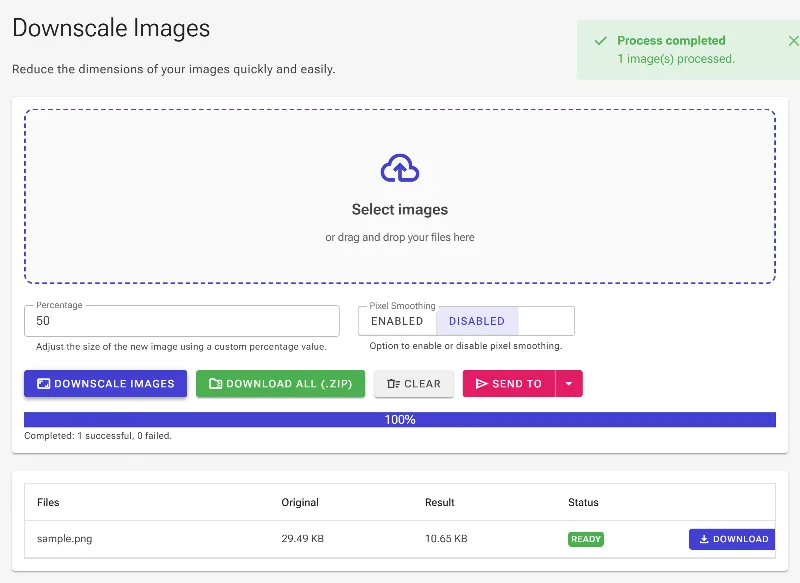
- Click "Download" to instantly save your downscaled image locally to your device.
Use it for anything
Web & SEO Optimization
Shrink heavy imagery to boost your website’s loading speeds and search engine performance.
Social Media & Profile Pics
Easily meet strict size and storage limits for platforms like Discord, Twitter, and LinkedIn.
Pixel Art & Retro Assets
Downscale game sprites and pixel assets while preserving sharp, hard-edged details.
Secure & Instant
Stop risking your data on slow, bloated online converters. Shrink your images safely, instantly, and with absolute control right now using Image Studio.
Frequently Asked Questions
How does the pixel smoothing toggle work?
When enabled, pixel smoothing uses interpolation to blend pixels for a soft, natural look—ideal for photos. When disabled, it uses nearest-neighbor rendering, which prevents blurring and is perfect for keeping pixel art and low-resolution graphics sharp.
Are my images uploaded to any servers?
No, never. Image Studio runs entirely in your web browser. 100% of the image processing happens locally on your computer, meaning your files are never uploaded, stored, or analyzed by third parties.
Is there a limit to how many images I can downscale?
No. Because the rendering runs locally on your hardware, we don't impose any artificial rate limits, daily caps, or bandwidth restrictions. You are free to downscale as many images as you need.
Can I downscale to an exact custom percentage?
Yes. You have complete control over the final output dimensions. Simply enter your desired percentage value, and our engine will recalculate the image dimensions in real-time.