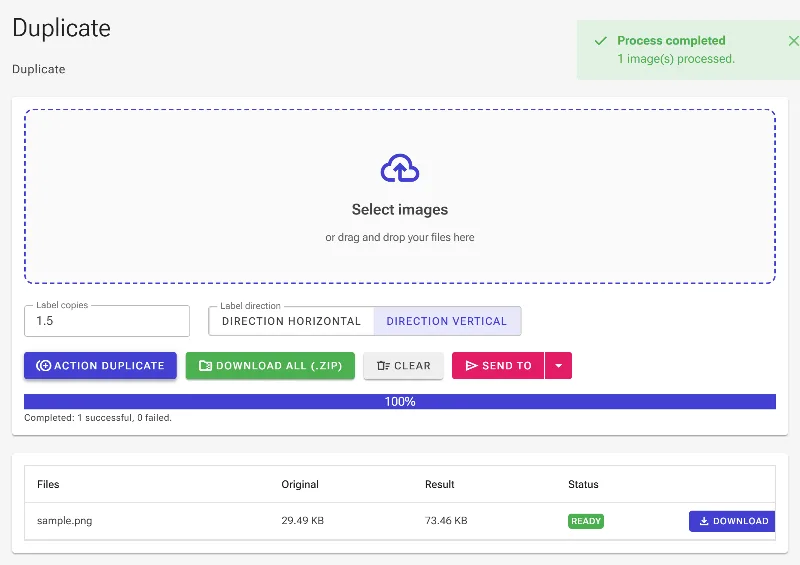
Online Image Duplicator & Repeater
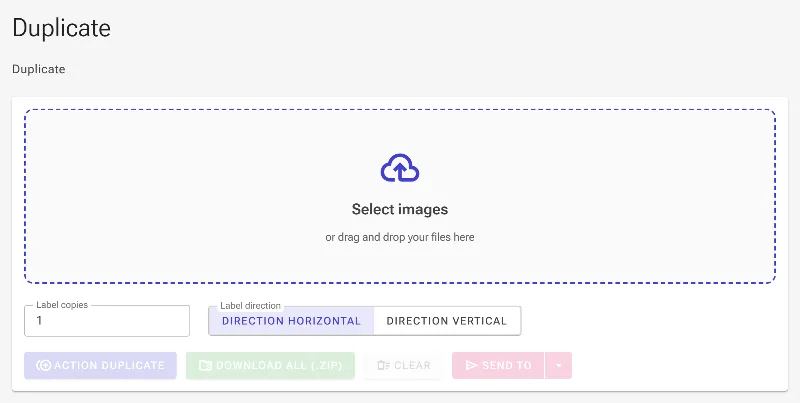
or drag and drop your images here
Instantly multiply and repeat any image horizontally or vertically without uploading a single file to an external server. Image Studio's free Image Duplicator runs 100% locally in your web browser, ensuring your files stay completely private and secure. Simply load your image, choose your direction, set your exact count—even fractional copies—and download your new image in seconds.
Why it's different
100% Private & Secure
Your photos never leave your device. All rendering and duplication happen locally in your browser, keeping your data safe from external servers.
Precise Fractional Copies
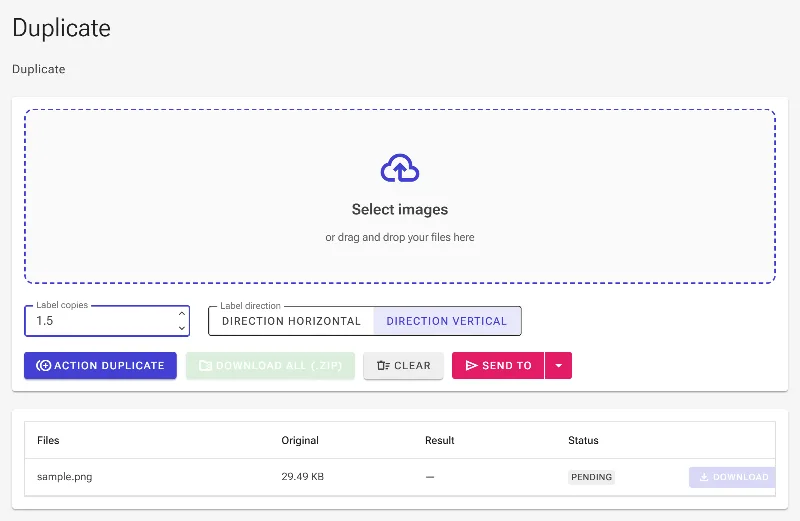
Need exactly 1.5, 2.3, or 4.8 copies? Our smart engine supports decimal values, allowing you to crop the final repeated image to the exact fraction you need.
Dual Directional Flow
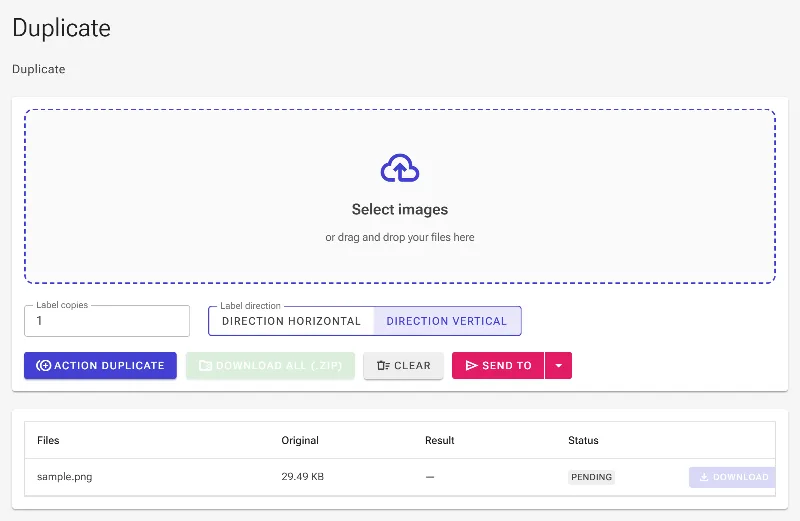
Seamlessly tile and duplicate your images to the right (horizontally) or downwards (vertically) with a single click.
Completely Free with No Limits
No sign-ups, no hidden paywalls, and no daily usage limits. Duplicate high-resolution images as many times as you want.
How to duplicate an image
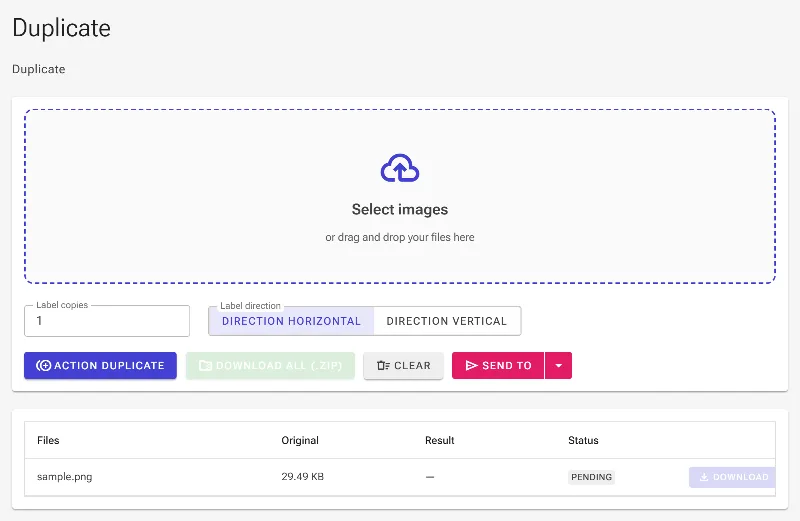
- Upload your image: Drag and drop your image or click to choose a file from your device.
- Select direction: Choose whether you want to duplicate your image horizontally (to the right) or vertically (downwards).
- Set the copy count: Enter the exact number of copies you need—whole numbers or decimals (like 2.5 or 0.3) are fully supported.
- Download instantly: Click "Download" to save your newly tiled image directly to your local storage.
Use it for anything
Social Media Grids & Banners
Create perfectly repeating aesthetic grids, continuous banners, or panoramic-style tiles for Instagram and website backgrounds.
Print & Pattern Design
Generate repeated print motifs, seamless textures, and wrapping paper designs by multiplying elements with fractional precision.
Comparison Sheets & Collages
Quickly duplicate product shots, designs, or portraits side-by-side or stacked vertically for easy comparison.
Experience the fastest, safest, and most precise image repeating tool on the web. Try Image Studio's duplicator now and start creating perfect tiles instantly.
Frequently Asked Questions
Can I duplicate an image by a fraction, like 1.5 or 2.7 times?
Yes! Our advanced duplicator supports fractional numbers (decimals). This allows you to render a partial copy at the end of your repeat, which is perfect for fitting images into exact aspect ratios.
Is there a limit to how many copies I can make?
There are no artificial software limits or paywalls on Image Studio. You can duplicate images as many times as your browser's local system memory can handle.
Are my private images uploaded to your servers?
Never. Image Studio is a privacy-first web application. All image processing, scaling, and duplicating happen directly inside your web browser. No data is ever sent to our servers.
What image formats are supported?
We support all major web image formats, including PNG, JPG, JPEG, WebP, and SVG, making it easy to repeat graphics, photos, and icons seamlessly.