Flip Image Vertically Online for Free
or drag and drop your images here
Instantly mirror your images upside down with our free, professional-grade vertical image flipper. Because Image Studio runs entirely in your web browser, your files are processed locally—meaning your photos never leave your device. Enjoy unlimited, high-speed vertical flipping with zero registration, zero ads, and zero quality loss.
Why It's Different
100% Private & Secure
Your images never touch an external server. All processing happens locally in your browser, keeping your sensitive data completely safe.
No Quality Loss
We maintain your image's exact original dimensions (width and height) and pixel-perfect quality.
Instant Live Preview
See your vertically flipped image in real-time before downloading, ensuring the perfect orientation every time.
No Sign-Ups or Limits
Flip as many images as you want, whenever you want, with absolutely no rate limits, subscriptions, or watermarks.
How to Flip an Image Vertically
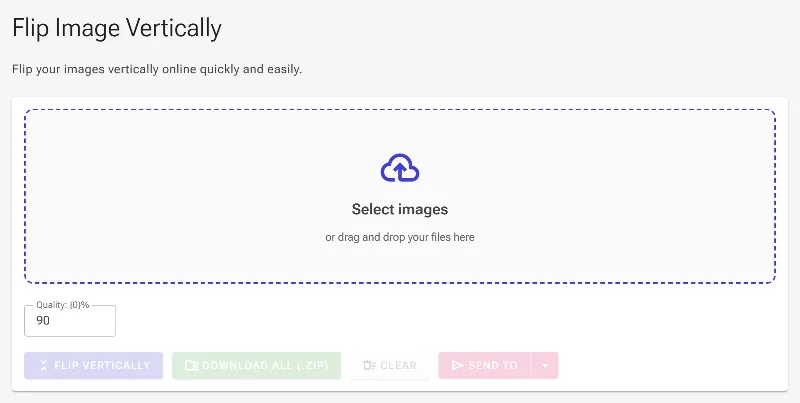
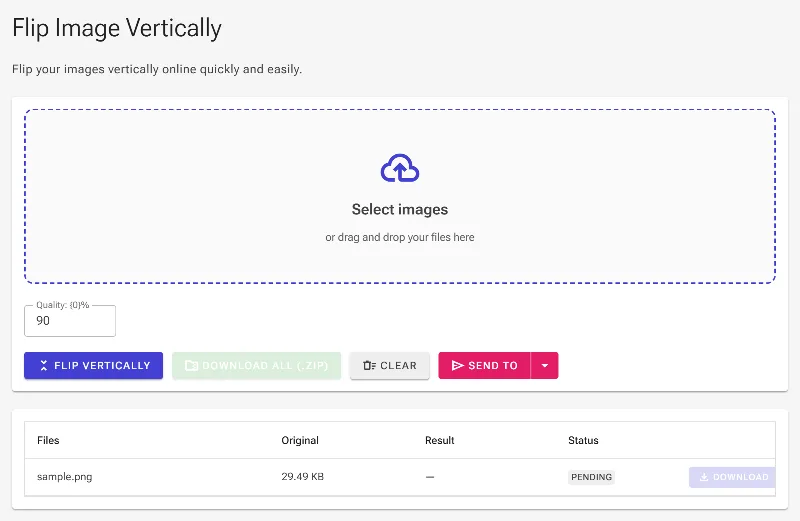
- Upload your image: Drag and drop your image or click to select a file from your device.
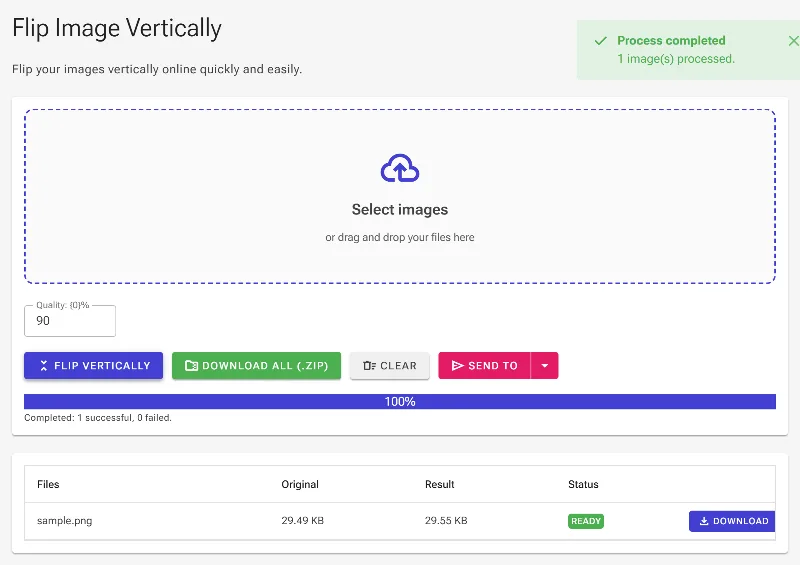
- Instant vertical flip: The tool automatically mirrors your image vertically (upside down) with a real-time preview.
- Verify the preview: Double-check the flipped image preview to ensure the orientation is exactly what you need.
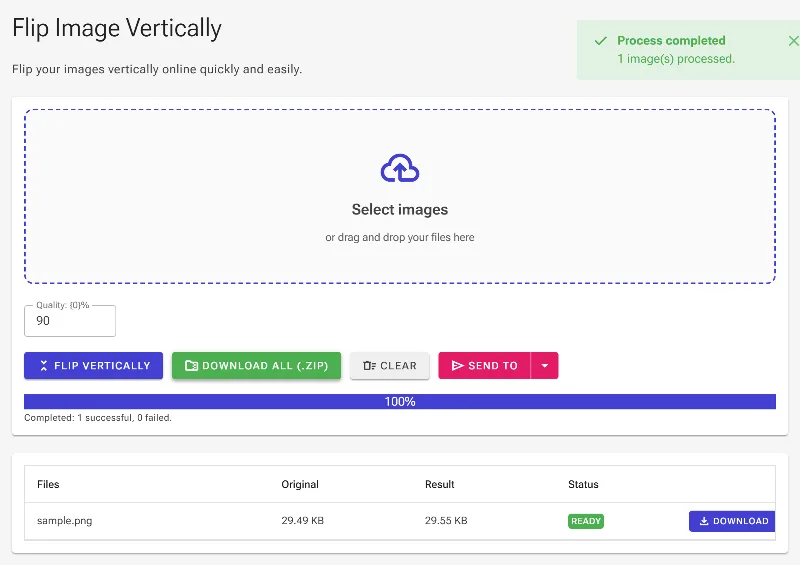
- Download securely: Click the download button to save your flipped image instantly to your local storage.
Use It for Anything
Correcting Camera Orientation
Quickly fix photos that were captured upside down due to camera auto-rotate errors.
Creative Graphic Design
Create mirrored art, symmetry effects, and surreal upside-down visual patterns for social media.
Reflective & Water Effects
Generate realistic vertical reflections for landscape, real estate, and product photography.
Start Flipping Instantly
Experience the fastest, safest way to flip your images vertically without compromising your privacy. Drag your image in and flip it instantly with Image Studio!
Frequently Asked Questions
Does flipping an image vertically reduce its quality?
Not at all. Image Studio processes your images locally using your browser's native engine, ensuring the original resolution, dimensions, and visual quality remain completely intact.
Is it safe to upload my private photos to this tool?
Yes, it is 100% safe because your photos are never uploaded to any server. Everything runs locally inside your browser, meaning your data never leaves your computer or phone.
What file formats are supported for vertical flipping?
We support all major image formats, including PNG, JPEG, JPG, WebP, and SVG, allowing you to flip almost any graphic instantly.
Are there any limits on file size or the number of images I can flip?
No. Since the tool runs entirely on your local hardware, there are no file size restrictions, daily usage caps, or rate limits. Flip as many files as you need.