Hide License Plates in Photos Online (100% Private)
or drag and drop your images here
Need to obscure a license plate before posting a car photo online? Image Studio lets you blur, pixelate, or cover registration plates instantly, right inside your web browser. Because your images are processed locally on your device, your photos never upload to a server, keeping your sensitive vehicle data 100% private.
Why it's different
Absolute Local Privacy
Your photos never leave your computer. Everything runs client-side in your browser, meaning total security and no risk of data leaks.
Multiple Redaction Styles
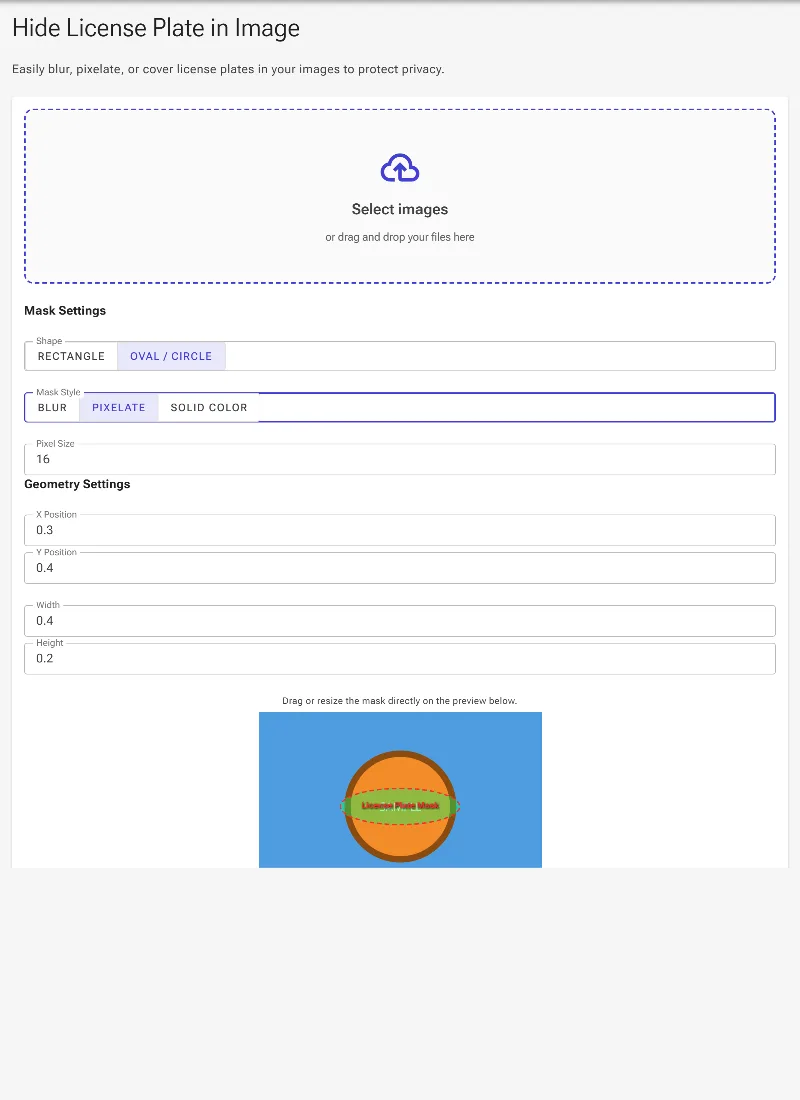
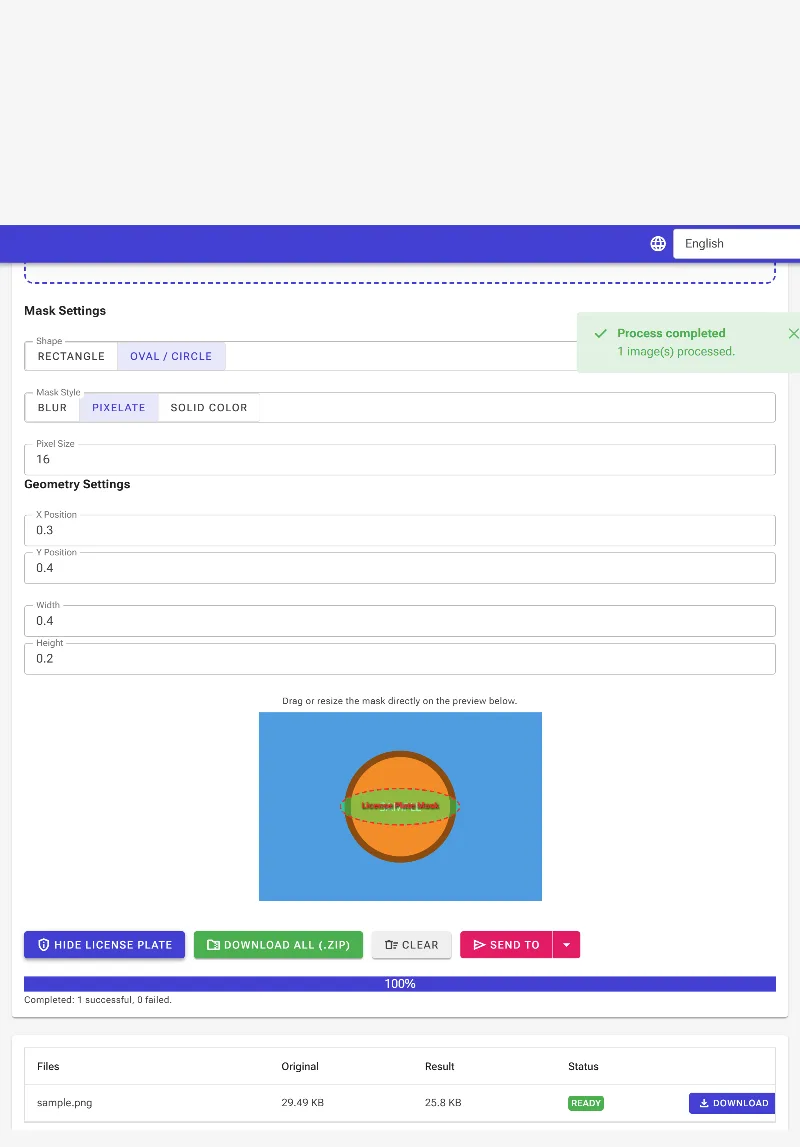
Choose between smooth blur with adjustable strength, retro pixelation with custom block sizes, or a clean, customizable solid color fill.
Perfect Fit Shapes
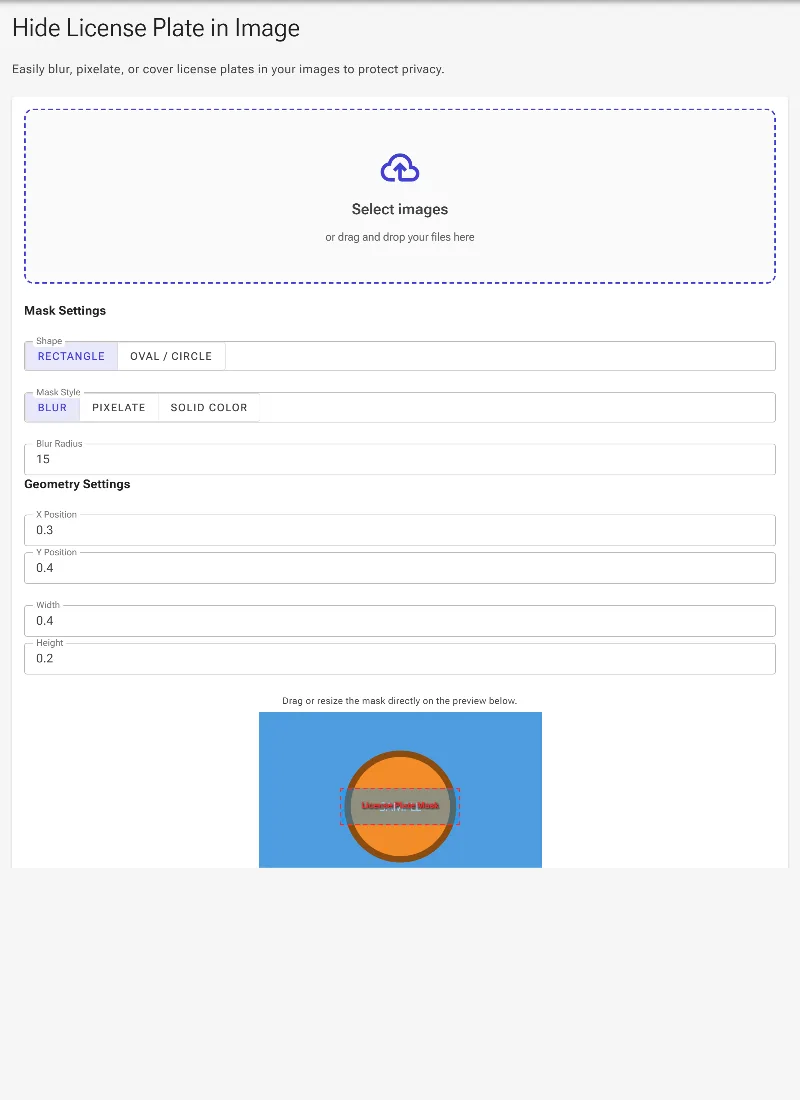
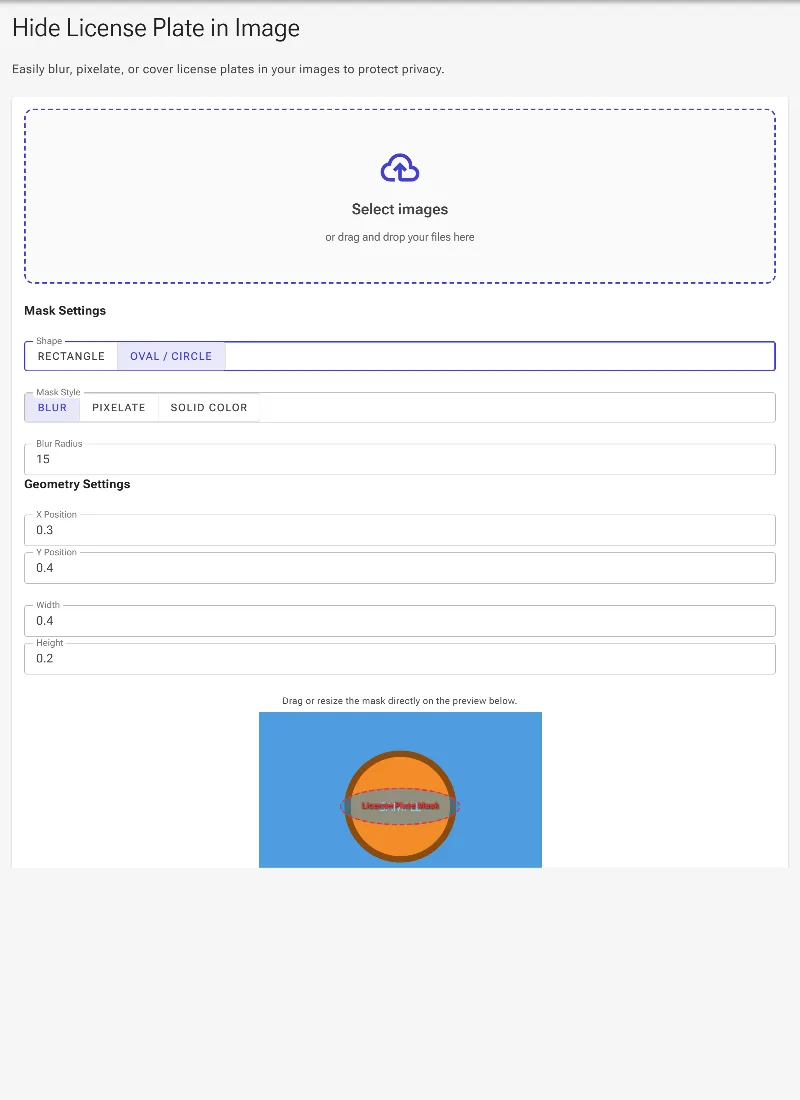
Apply rectangular or square masks for standard license plates, or use oval and circular masks to cleanly cover custom plates and logos.
Precision Alignment
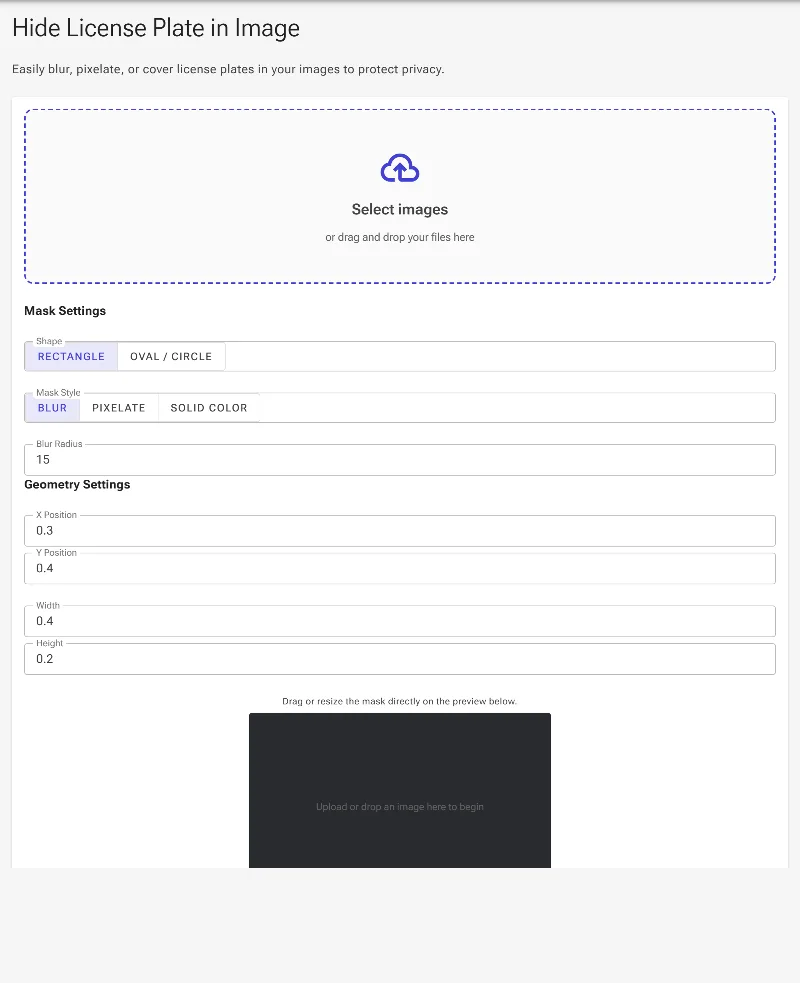
Drag and resize your cover mask interactively on the preview screen, or use numerical inputs to adjust the X/Y coordinates and width/height dimensions.
How to hide a license plate in an image
-
Load your image:
Drag and drop your car photo into the editor area. It loads instantly because no server upload is required.
-
Select your mask shape and style:
Choose a rectangular or circular mask, then pick your effect: professional blur, pixelation, or a solid color blockout.
-
Position and resize:
Drag the mask directly over the license plate. Use the interactive corner handles to scale it, or fine-tune its position and dimensions using the exact coordinate sliders.
-
Download your private image:
Adjust the blur intensity or pixel size to your liking, then download your ready-to-share image instantly.
Use it for anything
Selling Cars Online
Protect your vehicle's identity before listing it on Autotrader, eBay Motors, Craigslist, or Facebook Marketplace.
Social Media Sharing
Post photos from car meets, track days, or street spots on Instagram and Reddit without exposing other owners' plates.
Street & Dashcam Photography
Anonymize surrounding traffic and parked vehicles in your creative photography or accident reports before publishing them.
Keep Your Vehicle Secure
Protect your vehicle's privacy in seconds without compromising your personal data. Try our free, local license plate hider now and keep your vehicle information secure.
Frequently Asked Questions
Is my image safe when using this tool?
Yes, entirely. Unlike traditional online tools, Image Studio runs entirely in your local web browser. Your photos are never uploaded to our servers, saved, or shared with anyone.
Can I choose how the license plate is covered?
Absolutely. You can blur the plate with custom strength, pixelate it with adjustable block sizes, or cover it completely with any solid color of your choice.
Can I adjust the mask to fit angled or custom plates?
Yes. You can switch between rectangular and circular masks, scale the width and height independently, and drag the mask to the exact position. For perfect alignment, you can also adjust the exact X and Y coordinates.
Are there any usage limits or hidden fees?
No. Since the processing happens directly on your own device, there are no rate limits, no premium paywalls, no watermarks, and no registration forms required.