Reverse Black and White Colors Online: Free, Local, & Precise
or drag and drop your images here
Instantly invert the dark and light values of your photos with our advanced, free, in-browser image reversal tool. Perfect for restoring film negatives, styling graphics, or highlighting specific details, this utility processes everything locally on your device. No uploads, no sign-ups, and absolute privacy are guaranteed.
Why It's Different
100% Private & Local Processing
Your photos never leave your computer. Unlike other online tools, all rendering is performed locally in your browser, keeping your sensitive images completely secure.
Advanced Shape Selection
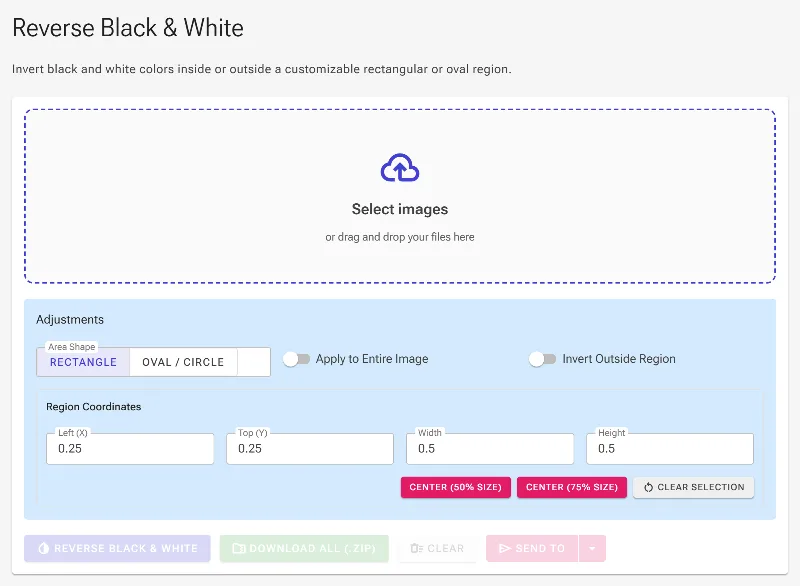
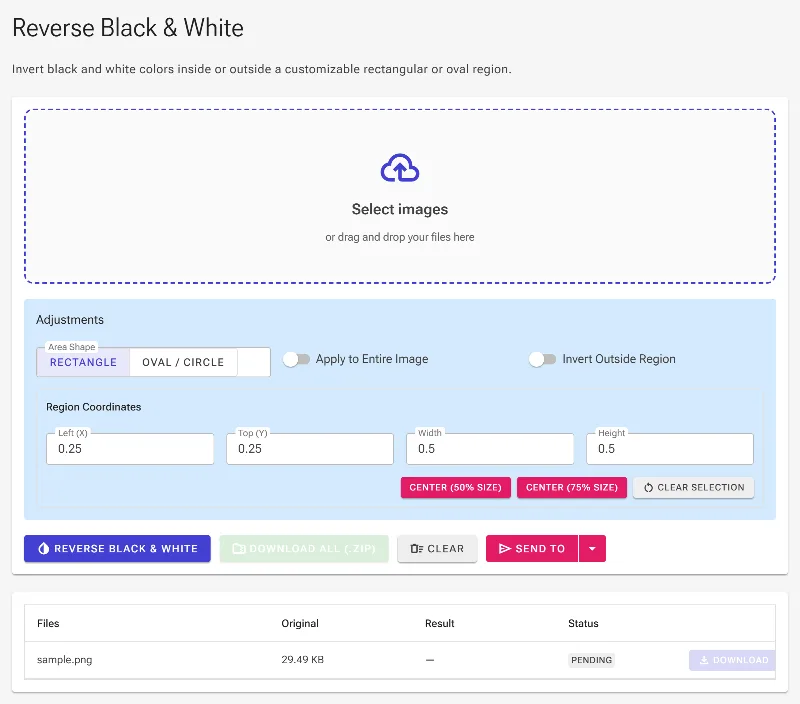
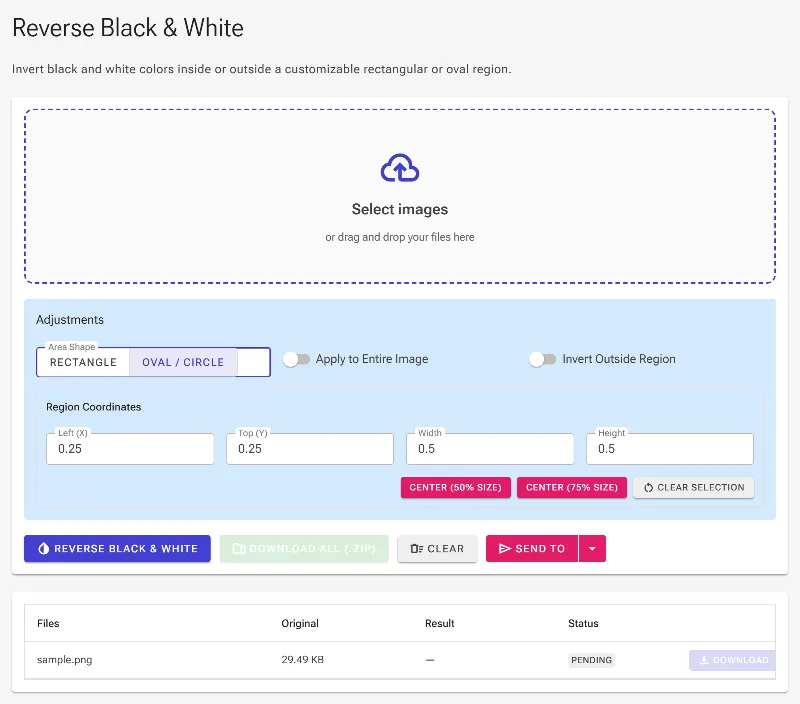
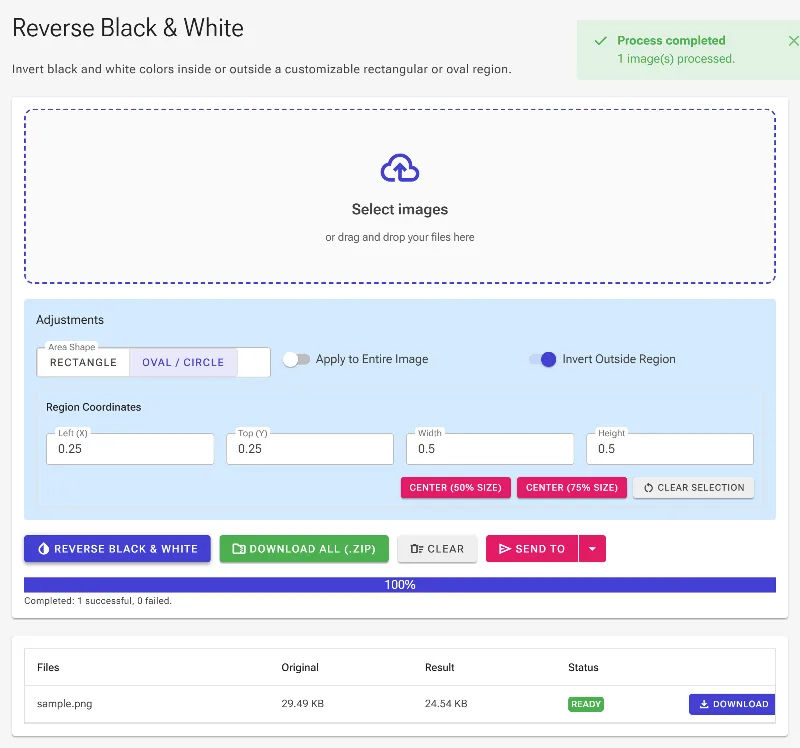
Target exactly what you want to invert. Choose between precise rectangular or oval/circular selection areas to isolate effects, or clear the selection to invert the entire image instantly.
Invert Outside Selection (Reverse Masking)
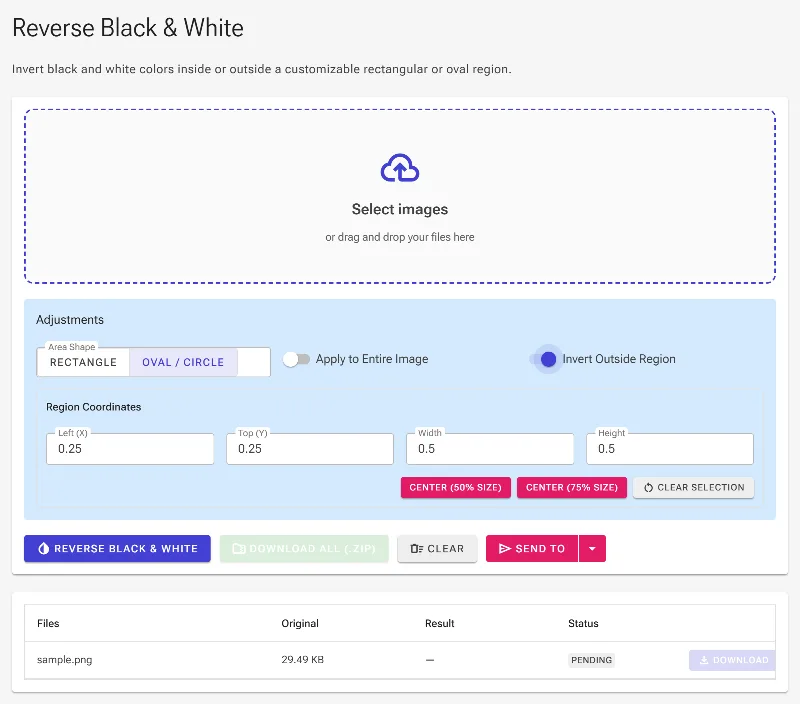
Flip the logic with a single click. Our unique "Select Outside Region" feature lets you keep your selected area original while inverting everything else.
Interactive & Manual Control
Drag corners and move the selection box directly on your screen, or input exact pixel coordinates (Left, Top, Width, Height) for pixel-perfect accuracy.
How to Reverse Black and White Colors
- Upload your image: Drag and drop or select your photo to load it instantly in your browser—no sign-up required.
- Define your inversion area: Choose a rectangular or circular selection, or leave it blank to automatically reverse the black and white colors of the entire image.
- Refine your boundaries: Drag the corners of the interactive bounding box, input precise coordinates manually, or toggle the "Select Outside Region" option.
- Download instantly: Click export to save your high-resolution, reversed image directly to your device with zero quality loss.
Use It for Anything
Developing Digital Film Negatives
Easily invert scanned black and white film negatives into clear, positive photographs right in your browser.
Creative Photo Editing
Isolate specific subjects using the oval or rectangular masks to create striking high-contrast artistic effects.
Document & Blueprint Reading
Reverse dark schematics, blueprints, or text documents to improve readability, reduce eye strain, or prepare them for printing.
Experience the ultimate control over your image tones with zero compromises on privacy. Start reversing your black and white images safely and instantly today.
Frequently Asked Questions
Is my image uploaded to a server to reverse the colors?
No. Image Studio operates entirely client-side. Your images are processed directly in your browser using your local device's hardware, meaning no data is ever uploaded or stored on our servers.
Can I invert only a specific part of my black and white image?
Yes! You can draw a rectangular or oval/circular selection over any part of your image. You can also choose to invert only the area inside the selection, or invert everything outside of it.
How do I adjust the inverted area precisely?
You can adjust the area interactively by dragging the corners and moving the center of the selector on the canvas. For surgical precision, you can manually enter the exact X/Y coordinates and width/height dimensions in pixels.
Is there a limit to how many images I can invert?
No, there are absolutely no rate limits, daily quotas, or premium paywalls. You can process as many high-resolution images as you need, completely free of charge.